23
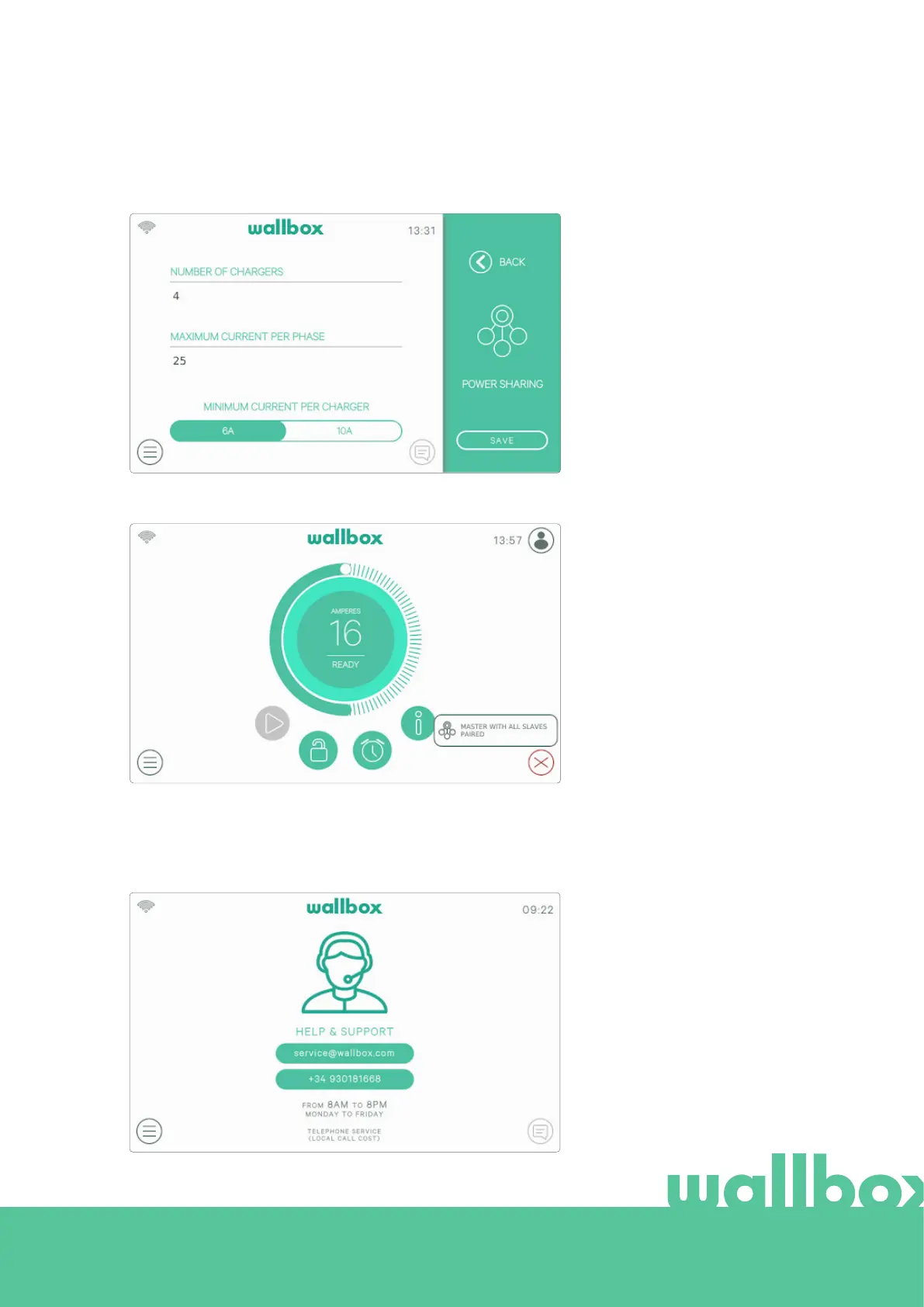
POWER SHARING
If the charger has been set as the Master of a Power Sharing Smart network, this screen will allow you to
configure the functionality and check the status of the link to the Slave chargers.
Check the Notification area icon
on the Dashboard to view the
status of Power Sharing Smart.
For more information about the
installation and setup of Power
Sharing Smart please download
the Power Sharing Smart manual
from www.wallbox.com.
HELP
Enter this section to obtain the Wallbox Service contact details.



 To Next Page