29
Wallbox App
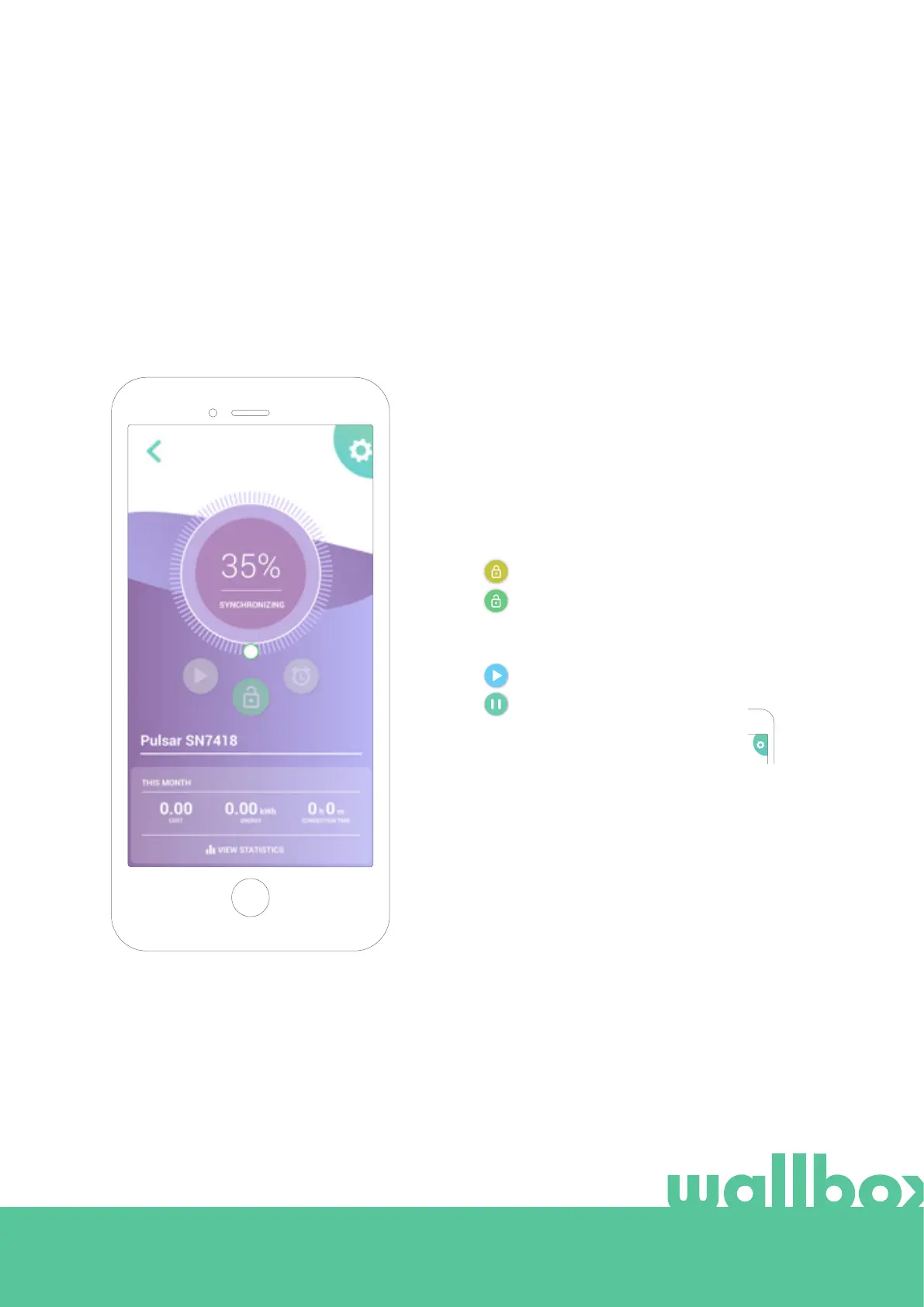
Sync with your charger
When you connect to a charger the charging sessions are synchronized with the myWallbox cloud through
the app. The percentage of sessions synchronized is displayed.
Managing the charger
This screen is shown when you are connected to the
charger. The controls on the upper half of the screen
allow you to perform the following actions:
Charger locked, press to unlock.
Charger unlocked, press to lock.
• Select the charging current using the wheel.
• Lock/unlock charger.
• Access the charger configuration menu.
• Schedule a charging session.
Charge is paused, press to start charging.
Charging, press to pause.
• Pause/Resume charge.
5
6



 To Next Page