30
Wallbox App
STATISTICS
The bottom half of the screen, below the schedules,
shows a summary of the current month's charging
statistics.
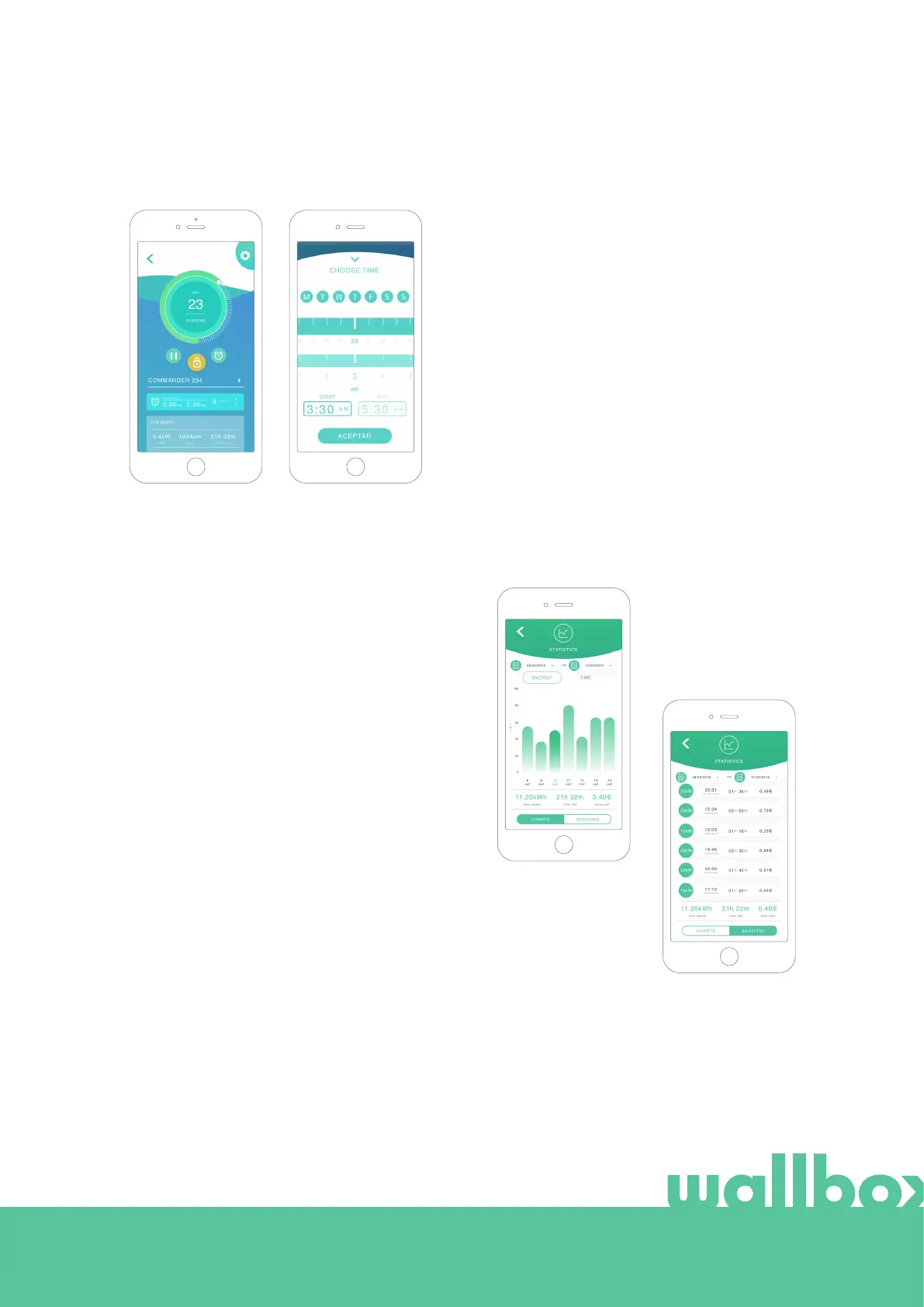
When you open the statistics screen, the current
month's sessions are displayed. The screen can be
divided into two parts:
Session filtering by date: You can select any date
range to display the sessions between those dates.
Display of the data using the filter: When displaying
the data you can view it in two ways: chart mode and
list mode.
• Chart mode: This shows the data based on
energy or charging time.
• List mode: This shows a list of all sessions
between the dates selected.
SCHEDULES
The lower half of the screen shows the schedules
programmed. In order to edit or delete a schedule, tap
the three vertical points to the right of the schedule.
In order to set a new schedule tap on the clock button.
The following menu will appear.
Select the START and END time of the schedule and
the days of the week as desired. Note that by default
all week days will be active with a blue background.
Finally tap ACCEPT to send it to the charger.



 To Next Page