33
Wallbox App
POWER SHARING
If your charger is going to be part of a Power Sharing Smart system, please ensure you have the instructions
to perform this installation. If you are unsure about anything, contact your sales agent.
POWER BOOST
If your charger is going to be part of a Power Boost system, please ensure you have the instructions to
perform this installation. If you are unsure about anything, contact your sales agent.
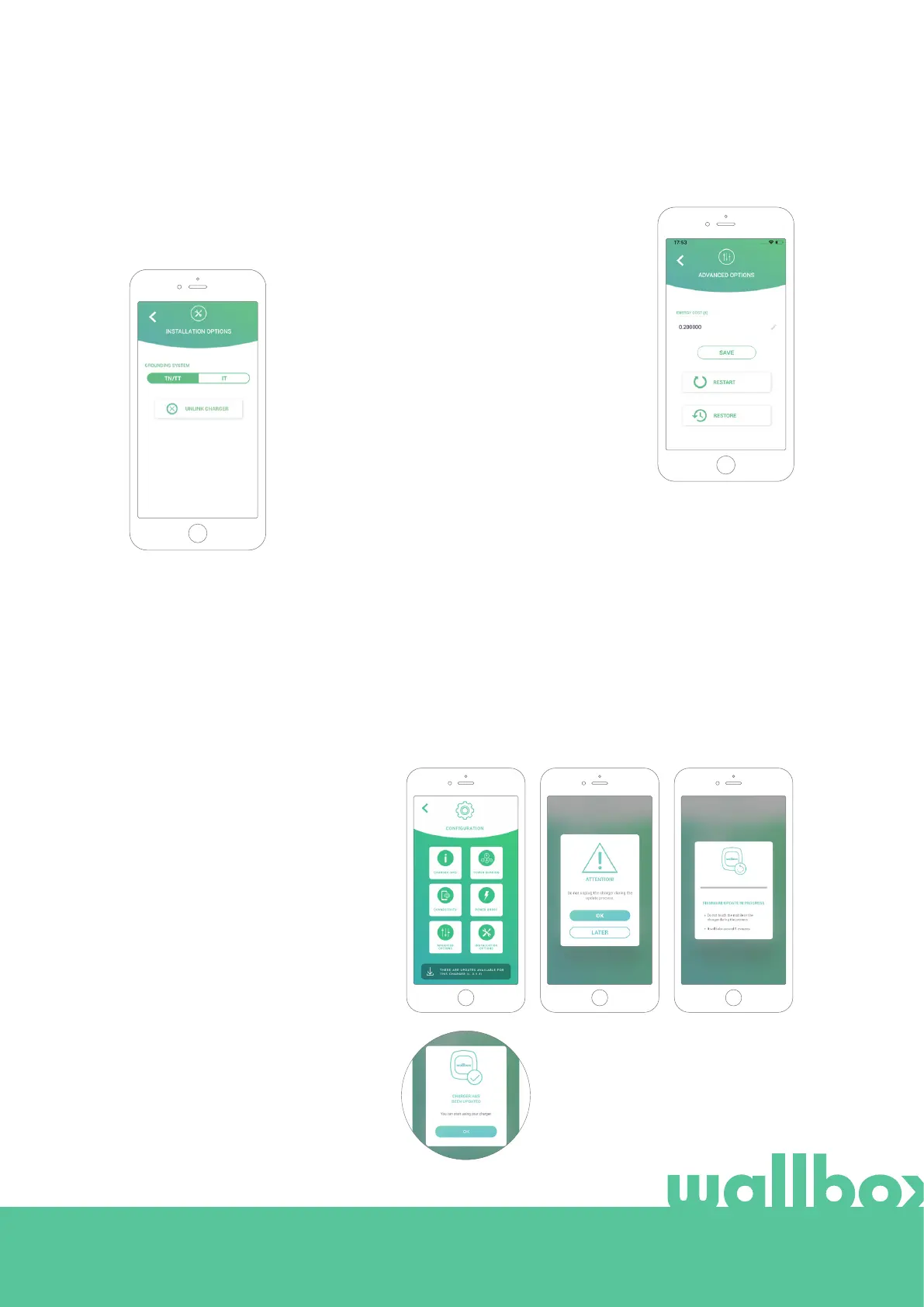
INSTALLATION OPTIONS
The charger installation options that can be
carried out on this screen include:
• Configure the earthing system of the
installation.
• Unlink the charger from your user
account.
ADVANCED OPTIONS
In Advanced Options you can change
the energy cost for the charger to make
an estimated cost with its sessions. Also,
you can perform a system restore on your
charger from this screen. You can also
restart the charger here.
FIRMWARE UPDATE
The firmware of the charger can be
updated to incorporate new features
and improvements. When a firmware
update is available, a notification is
displayed in the app. Tap the pop-up
notification to start the firmware update
process and follow the steps.
Note that the firmware update feature
requires the charger to be connected
to the internet.
At the end of the process, a
confirmation message is shown:



 To Next Page