8
Charger screen
This section will guide you through the user interface of the Commander 2.
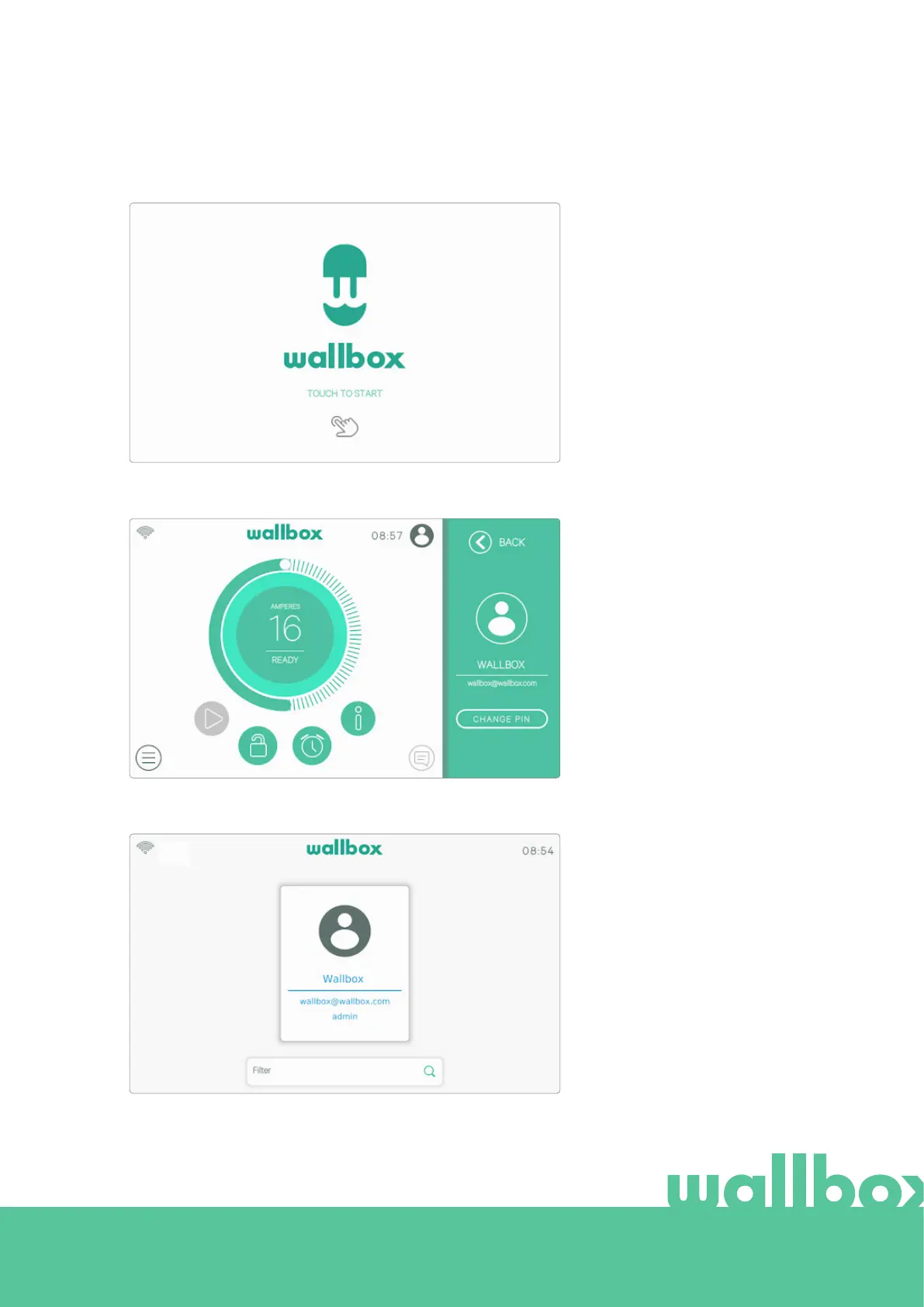
START SCREEN
This screen is displayed on start
up. Touch any point on the screen
to start using the interface.
LOGIN
The first time you start the
charger the default user called
'Wallbox' will log in automatically.
There is no default PIN code for
this user. The first time that you
want to lock the charger you will
be asked to configure a PIN code.
If the charger is locked, you will
need to enter the PIN code to
unlock it.



 To Next Page