9
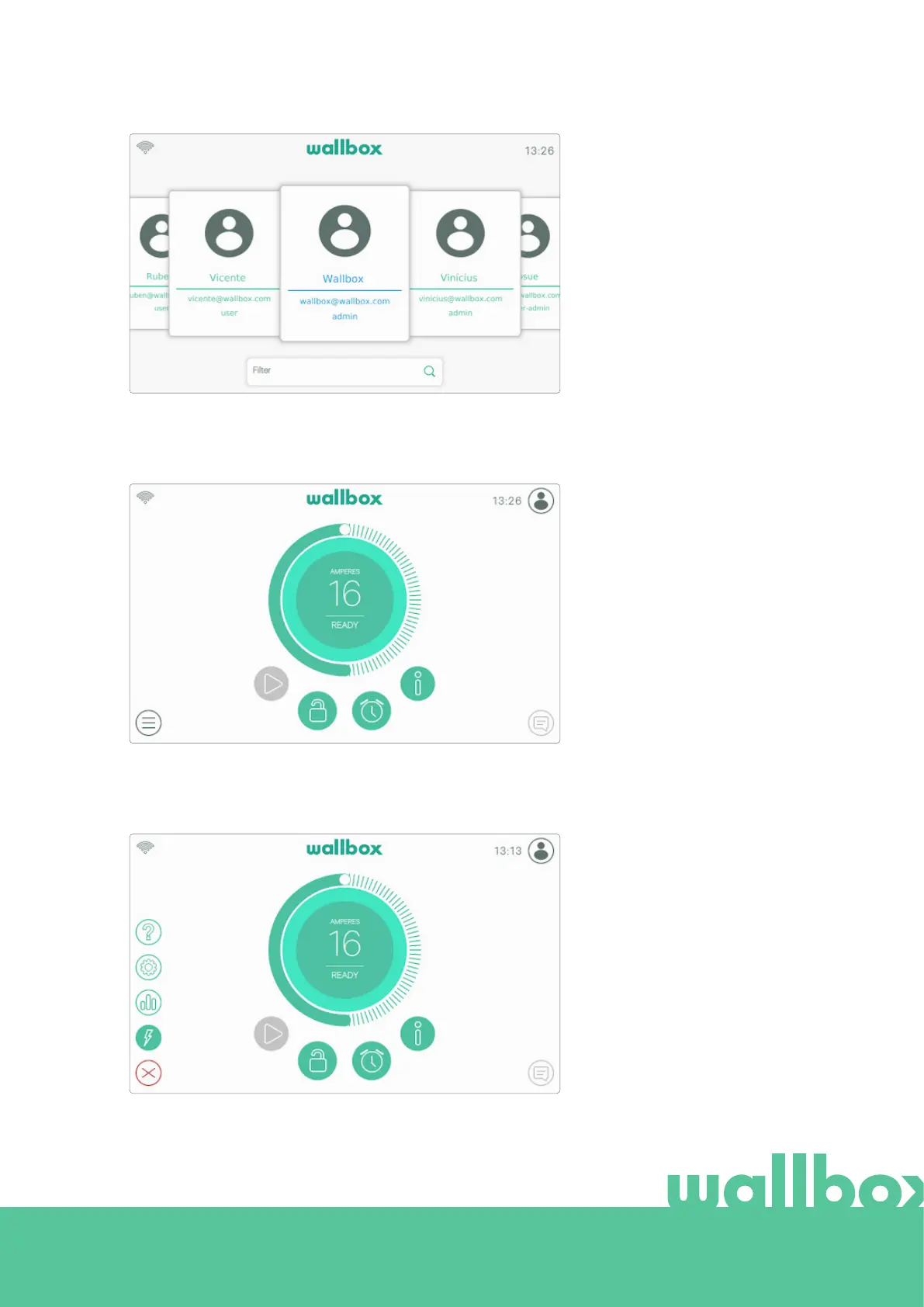
If multiple users are authorized to
use the charger the login screen
will show all the authorized
users. Scroll to the sides to find
and select the user. Use the
Filter feature to speed up the
search of users. Once selected,
the PIN code of the user will be
requested.
CHARGER MENU
Dierent aspects and features
of the charger can be checked
and configured in the Charger
menu. The buttons to enter the
dierent sections are displayed
after pressing the Charger Menu
button in the bottom-left corner
of the screen.
The available options are:
• Dashboard (default view)
• Statistics
• Settings
• Help



 To Next Page