16
Icon area
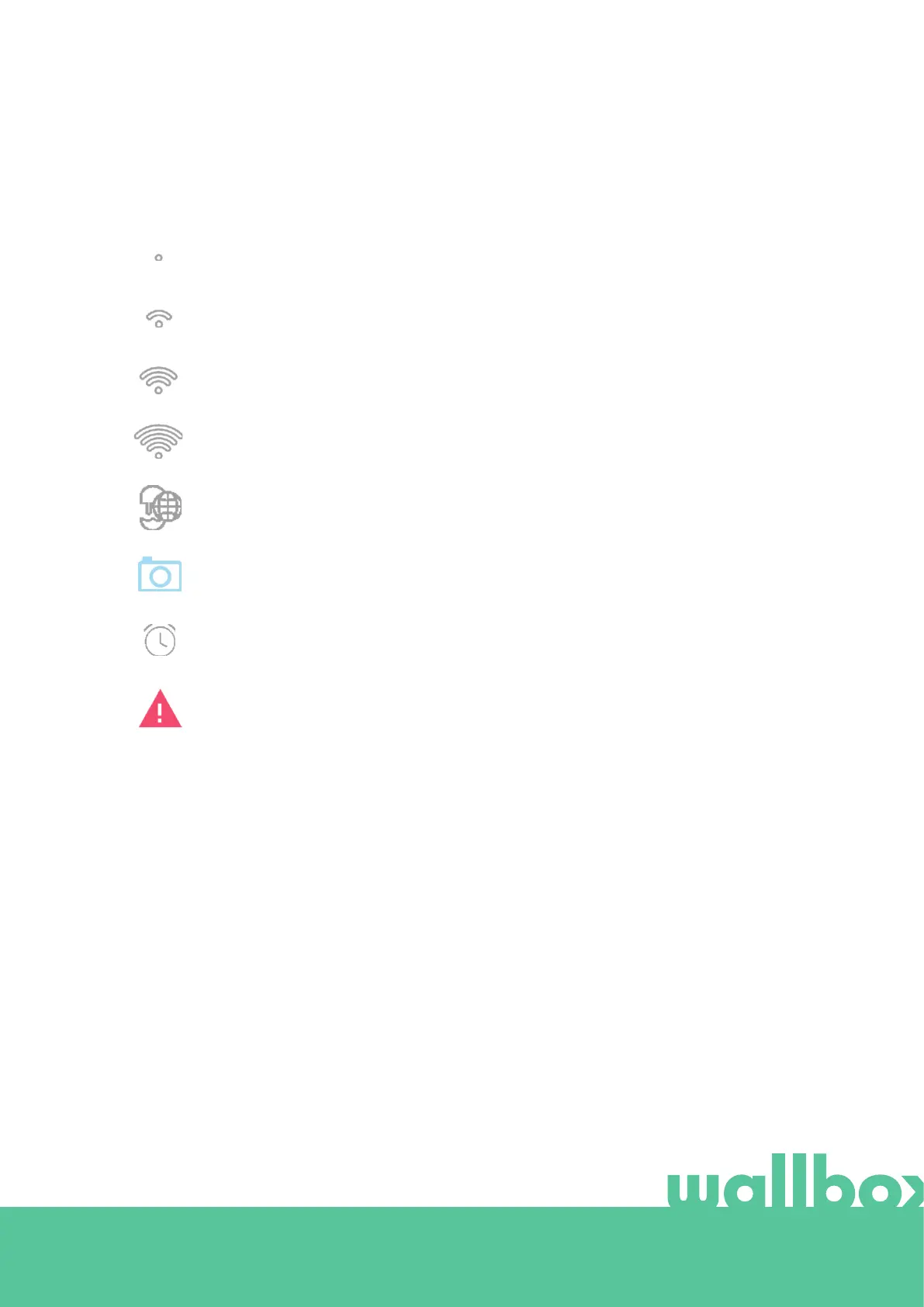
Additional information about the status on the charger is displayed as icons on the charger screen. The
list of icons is described below.
The charger is connected to a network using a Wi-Fi connection with a signal critically low, your charger is
very likely to disconnect
The charger is connected to a network using a Wi-Fi connection with a signal low, your charger is likely to
disconnect
The charger is connected to a network using a Wi-Fi connection with a signal good, your charger is unlikely
to disconnect
The charger is connected to a network using a Wi-Fi connection with a signal very good, your charger is
very unlikely to disconnect
Your charger is synchronised to the myWallbox cloud platform
Your charger is using face recognition to identify the user
Your charger has a schedule programmed
Your charger is in fault mode.



 To Next Page