32
myWallbox Portal
INTERACT WITH THE CHARGER
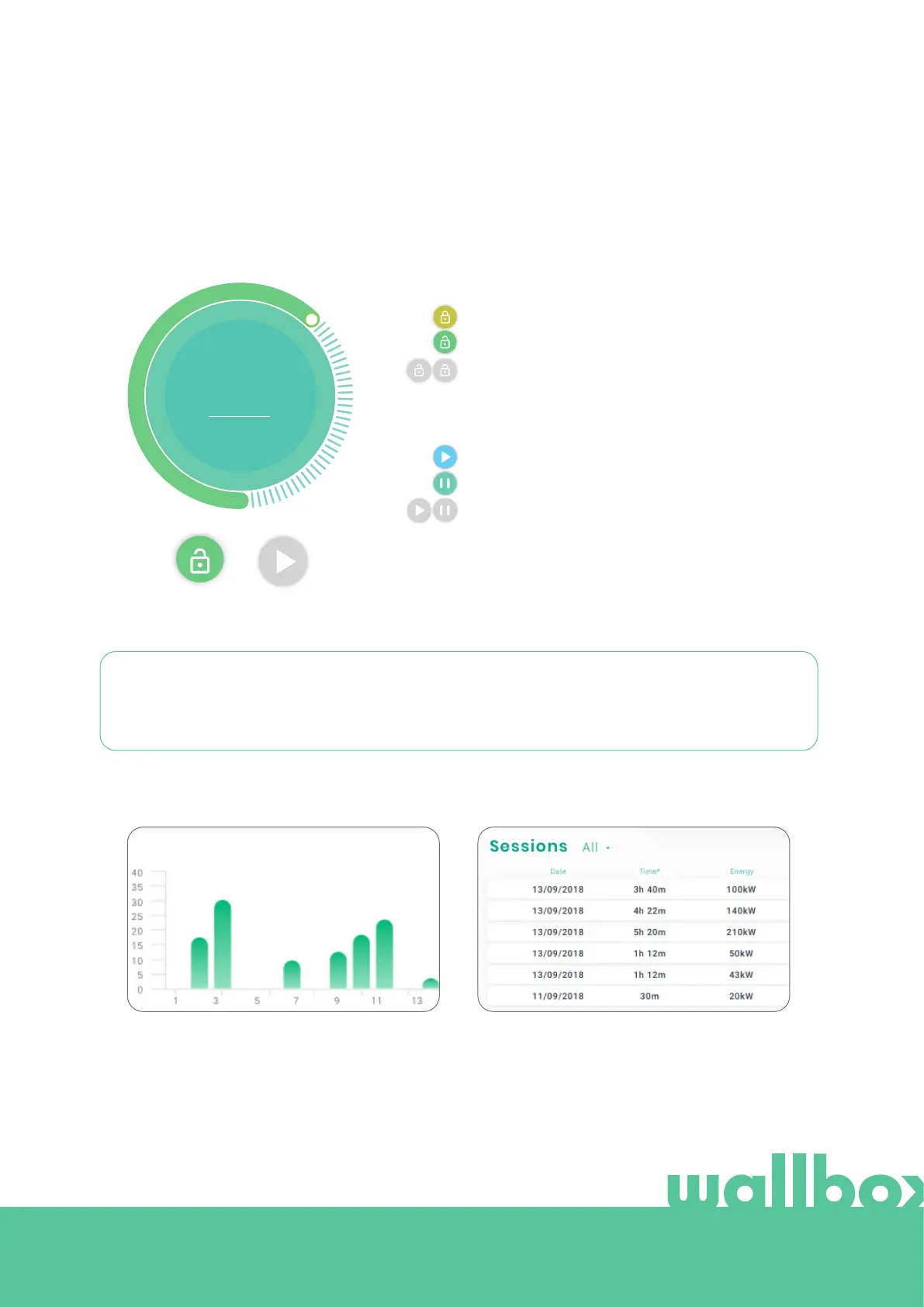
From the charger details page you can interact with your charger in the following ways:
Locked charger, action available.
Unlocked charger, action available.
If it is not available, the icon is displayed in grey but
still displays if the charger is locked/unlocked.
• Lock/unlock charger.
• Modify current value. Here you can modify the current Amp
value by changing the position of the circle around the large
circle. The new current is automatically displayed inside the
circle.
Charger is paused, press to start.
Charging, press to pause.
If it is not available, the icon is displayed in grey but
still displays if the charger is started/paused.
• Pause/Resume charger.
AMPS
READY
Remember that these actions are not immediate, it may take up to 30 seconds to apply them to your
charger.
STATISTICS SESSIONS
Here you can retrieve information regarding the charger sessions.
Statistics graph for the current year.
More information on the charging sessions can be found on the statistics page, where reports can also be
downloaded.
List of sessions completed with the charger.
23



 To Next Page