31
myWallbox Portal
Chargers
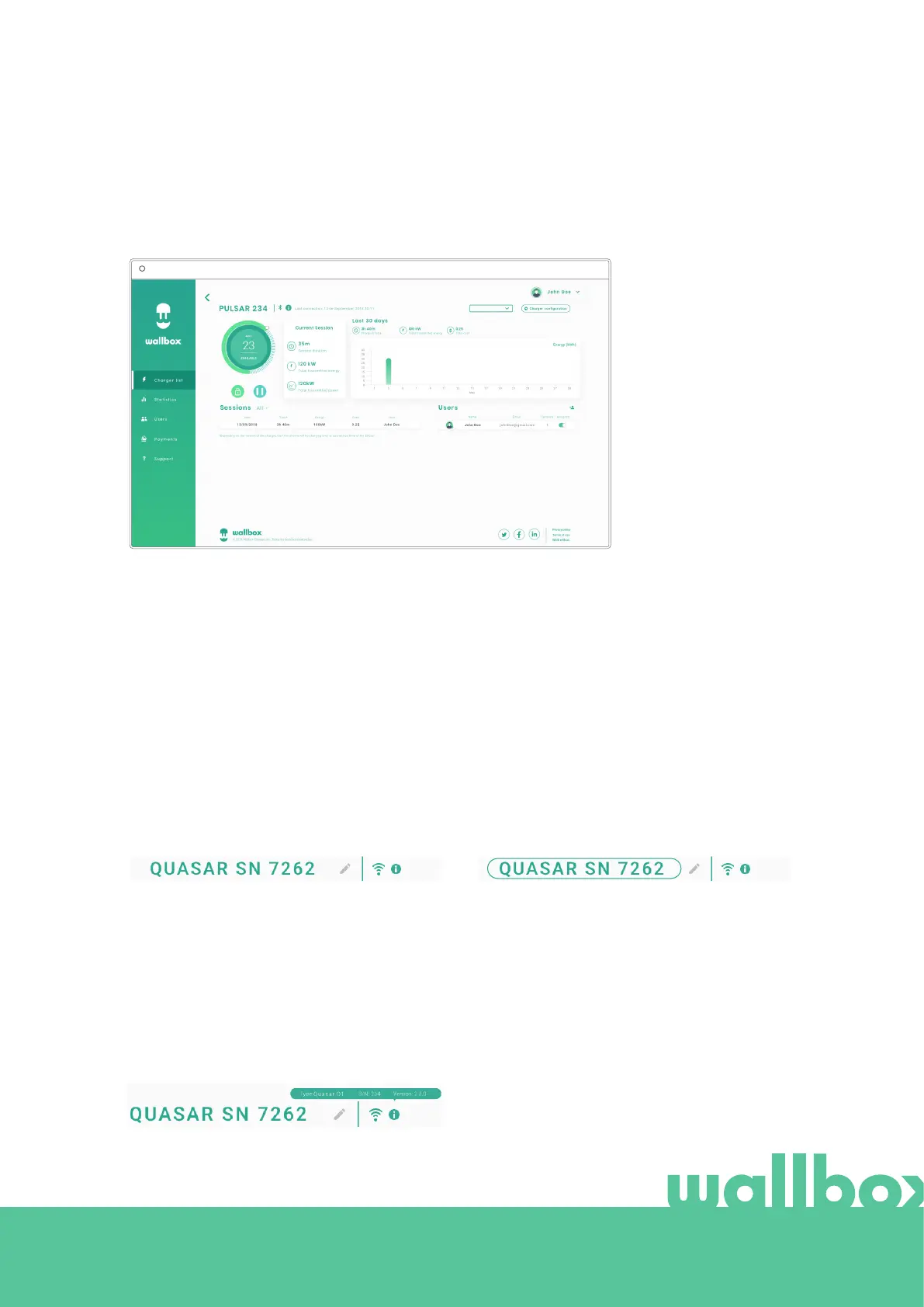
Access the charger details by clicking on the charger in charger list.
Here you can carry out the following:
• Modify the “charger name”.
• See charger info.
• Interact with the charger.
• See statistics graphs for the current year.
• See the list of sessions for the chargers.
• See the list of the users that have access to the charger, assign/unassign users to/from the charger.
CHARGER INFO
Here you can find information about internet connection type next to charger title. An icon appears showing
the connection from the first time the charger is connected to internet (before the first connection, there
is no icon). Connection types displayed here include: Wi-Fi, 3G/4G and Ethernet. Bluetooth connection is
never displayed here.
MODIFY CHARGER NAME
When a name is not provided, the charger type
and its Serial Number is displayed by default.
Click on the edit button (the pencil icon) to be
able to modify the charger’s name.
Also, by hovering the cursor over the information button (“i” icon) displays the charger information.
myWallbox Portal



 To Next Page