26
myWallbox Portal
First access to the myWallbox portal. URL: https://my.wallbox.com/login
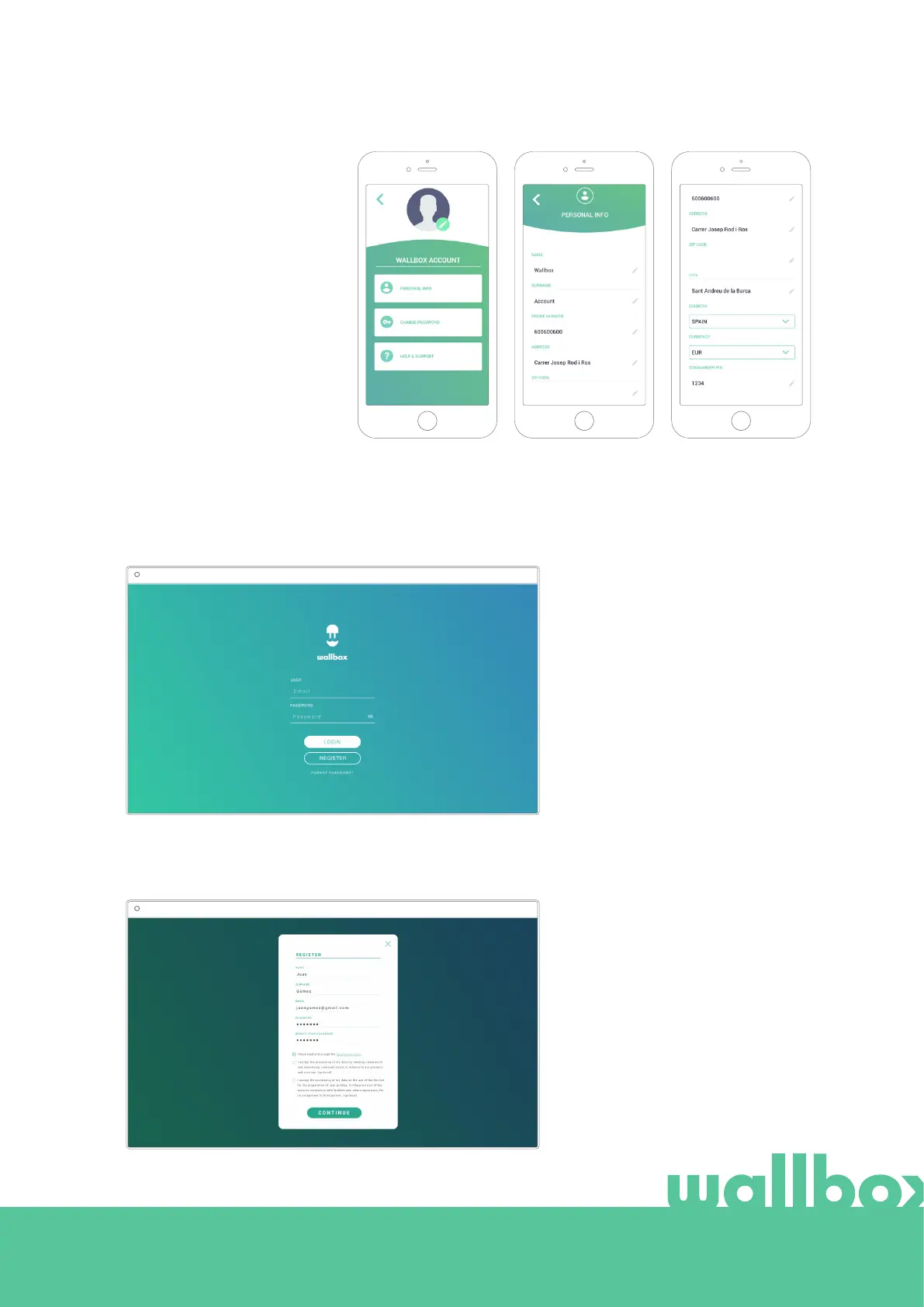
Create a myWallbox account
Click on the register button. A registration pop-up will appear.
NOTE:
If you have already created
an account using the
Wallbox App, you can use
the same username and
password to log on to the
website. Otherwise, you
can create a new account
now via the website.
myWallbox Portal
myWallbox Portal
Enter your personal
details and continue.
Edit your profile
You can edit the information
of your myWallbox account
in this section. Edit your
personal data, change
your myWallbox account
password or the currency
you want to use.
You can also add a picture
of you to your myWallbox
profile.
8



 To Next Page