8
After a few seconds, the screen will be automatically switch o in order to save
power. Move your hand near the gesture sensor in order to switch it on again.
*Available only for Standard Version of Quasar
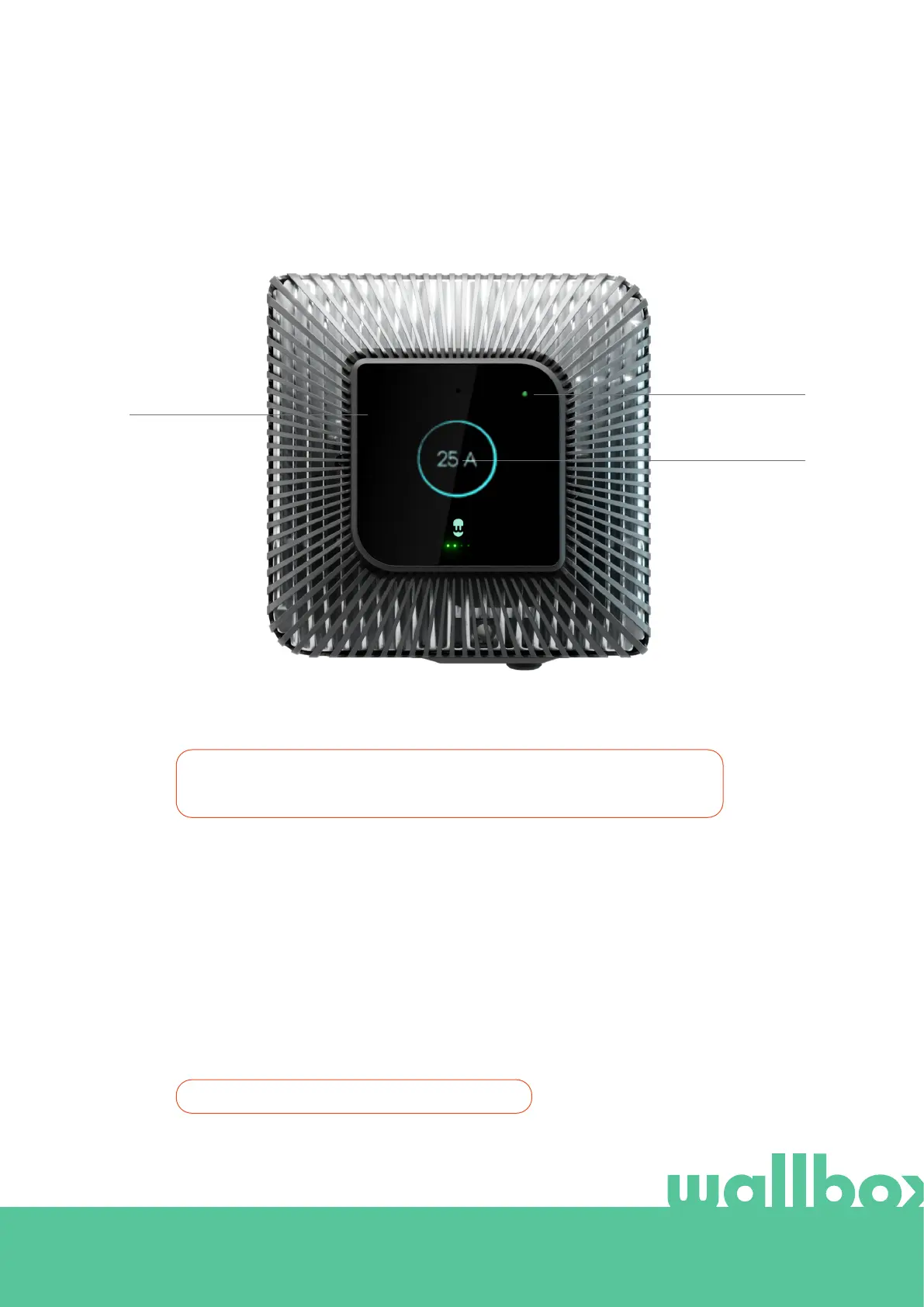
Charger Screen*
ICON AREA
CHARGE INFORMATION
STATUS LED
Charger information
In this area, the following information is displayed:
• State of charge “SOC”: the level of charge of the battery, in percentage.
• Current limit settled, in amperes.
• Power being charged/discharged, in kilowatts.



 To Next Page