35
myWallbox Portal
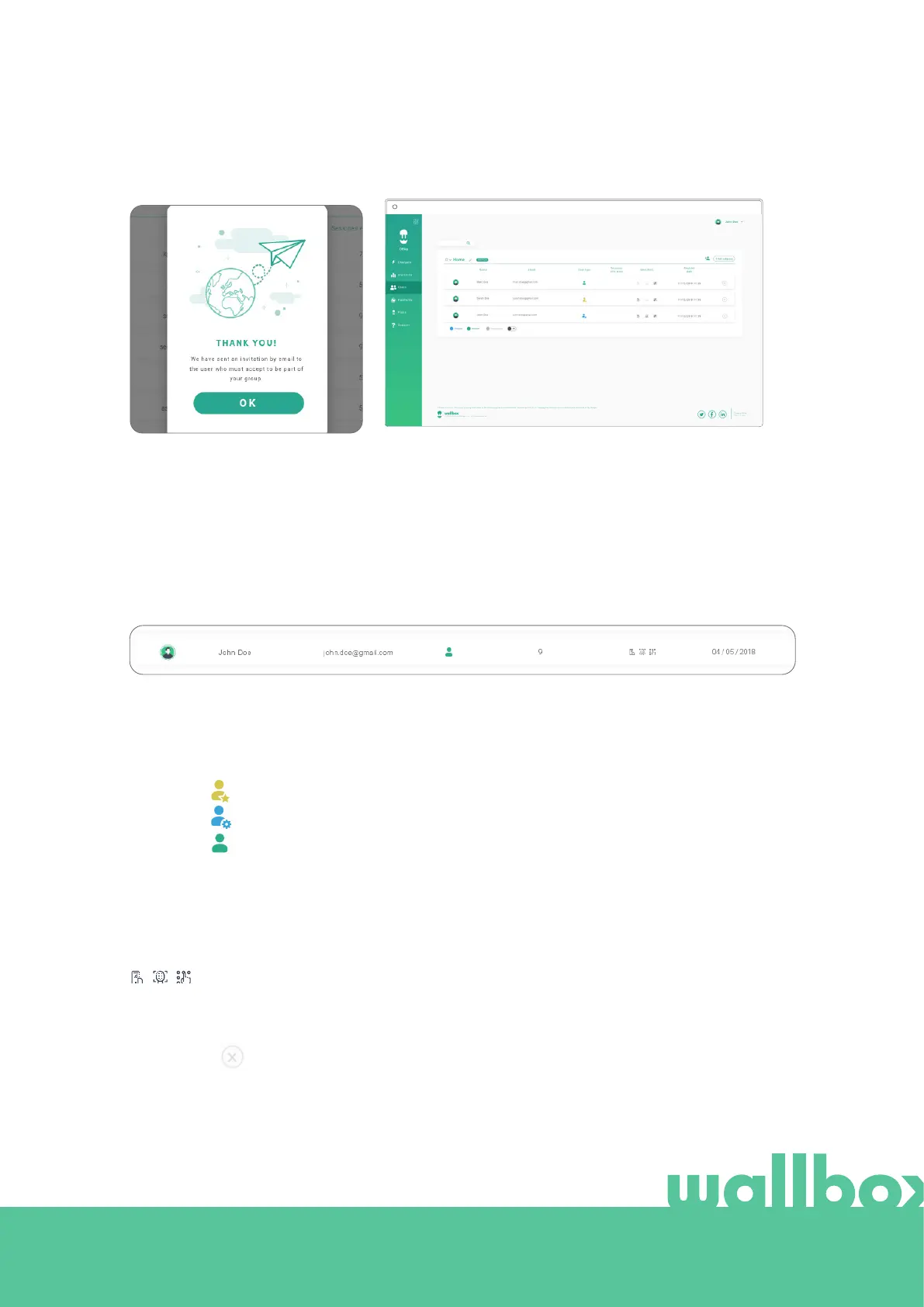
Once the invitation is sent, a confir-
mation popup appears and confirms
an invitation has been sent to the
user.
Then invited user appears automatically in the users list (if it
doesn’t appear, press Alt+F5 or refresh your browser).
The information shown here is:
User's name and surname.
User's email.
User type:
Sessions count: Number of sessions completed by said user.
Identifiers: RFID, facial recognition. Enabled / Disabled value is given by saved data in the details of every
user account.
Registration date.
Delete button. Remove the user from the current group (does not delete the user's account). Not
always available.
USER INFO
Once the user is linked to the group, the main information for the user list can be seen.
Superadmin
All enabled
Admin
User
myWallbox Portal



 To Next Page