36
myWallbox Portal
USER DETAILS
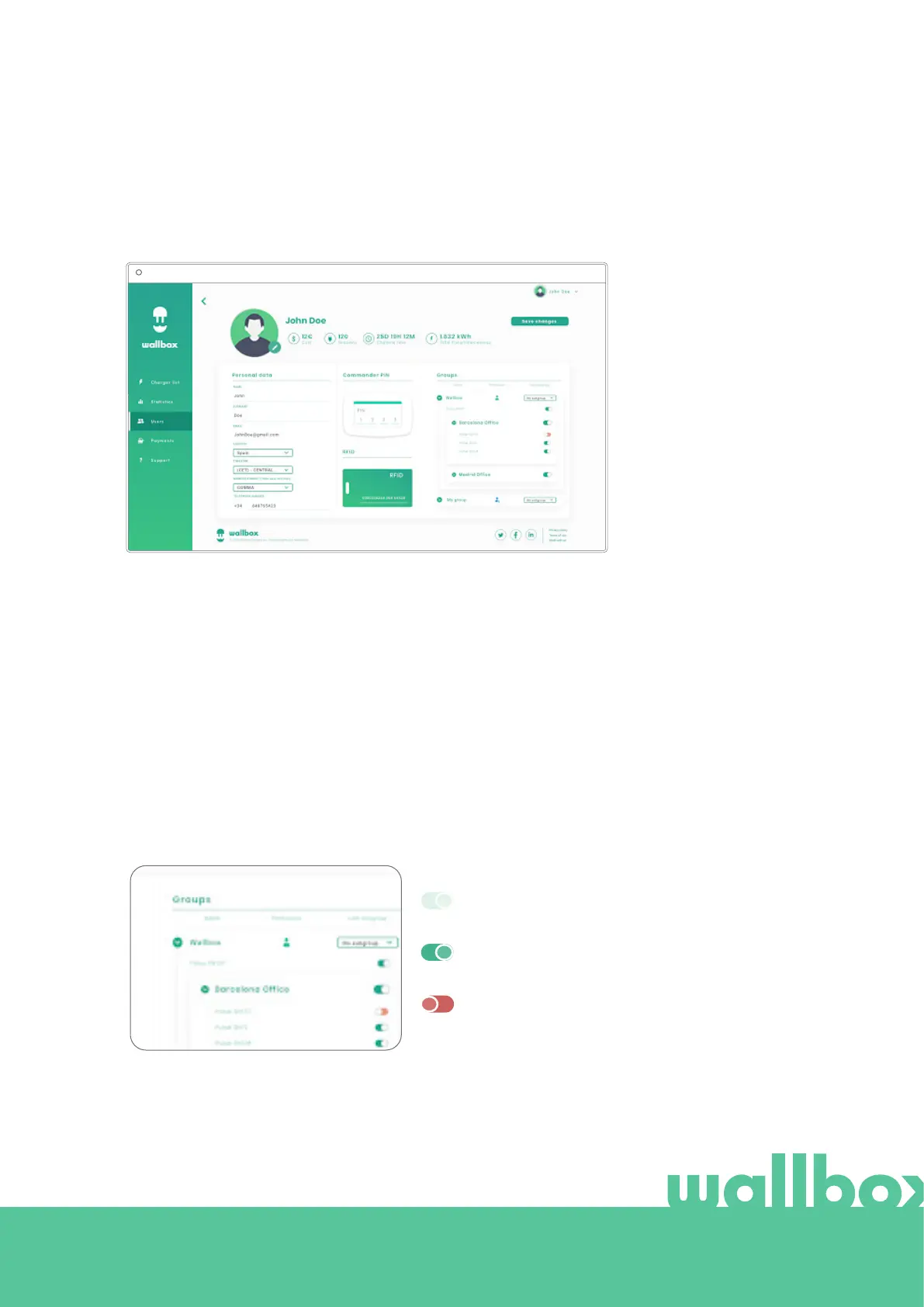
A user's account details can be accessed by clicking on the user on the user list.
Here you can carry out the following:
• See the user’s main details.
• See the list of the chargers assigned/not assigned to the user from the group, assign/unassign chargers
to/from the user.
User info
User information can be viewed but not modified (except RFID value).
Charger list
List of chargers from users’ groups. This list includes the option to see which chargers are available to the
user and to assign/unassign the chargers to/from the user.
Colour meaning:
Not possible to modify charger assignment as it is an
admin user.
User assigned to the charger. By clicking on the
switch, the user is unassigned.
User not assigned to the charger. By clicking on the
switch, the user is assigned to the charger.
myWallbox Portal



 To Next Page