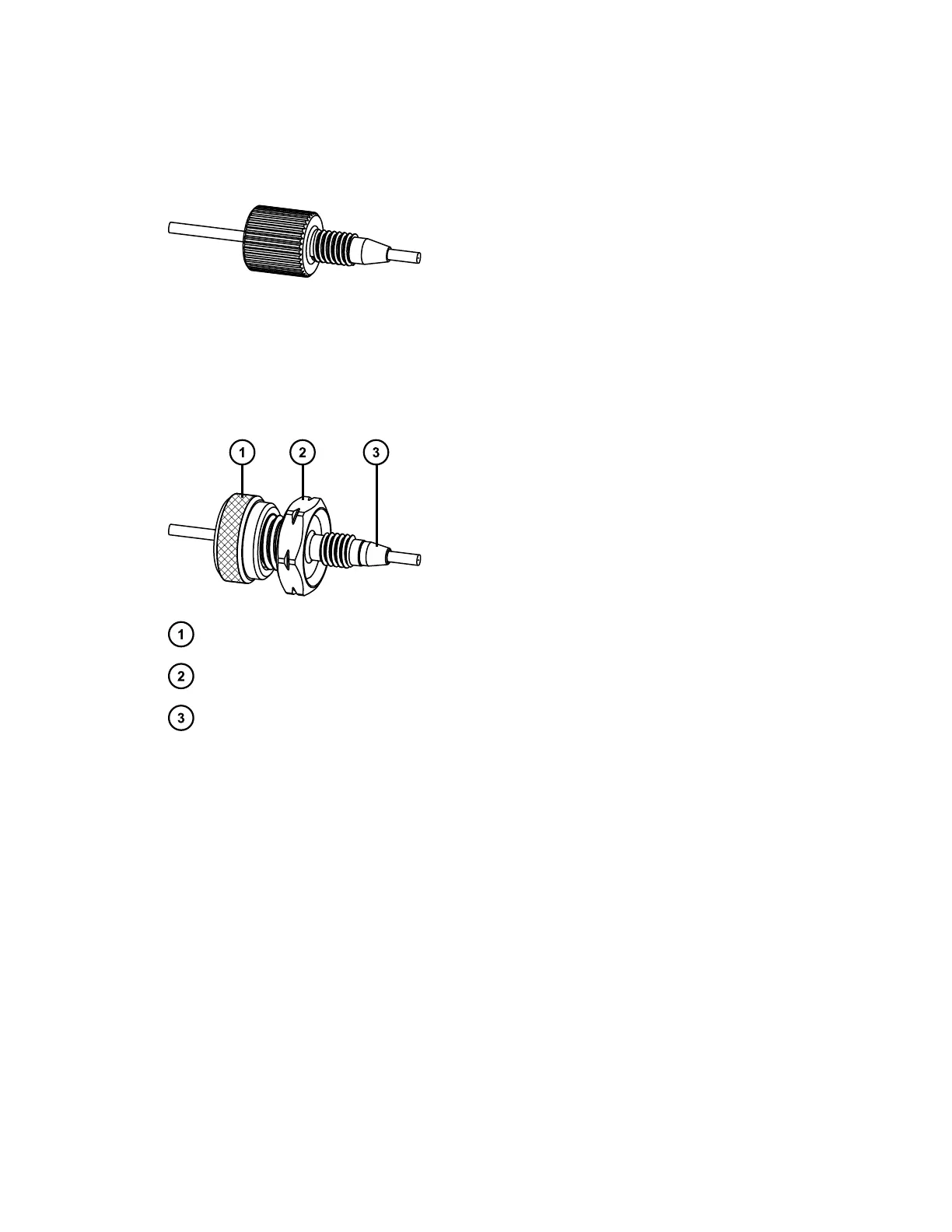
2.5.1.7 One-piece PEEK fitting
First use or re-installed
Tighten the fitting finger-tight.
2.5.1.8 Dual-threaded fitting with locking cap nut
First use or re-installed
Locking cap nut
Gold-plated locking compression screw
Back-locking PEEK ferrule
To tighten the fitting:
1. Loosen the cap nut from the gold compression screw.
2. Slide the gold compression screw together with the captive ferrule into the inlet
of the column (or in-line filter).
3. Finger-tighten the gold compression screw into the inlet of the column (or in-
line filter).
4. Engage the column (or in-line filter), and tighten the column (or in-line filter)
onto the gold compression screw.
5. Tighten the cap nut onto the gold compression screw.
Important: When re-installing this fitting, examine the captive ferrule for damage,
and replace it, if necessary.
Tip: To prevent bandspreading, ensure that the tubing is fully bottomed in the fitting
before tightening the gold compression screw.
June 12, 2015, 715004747 Rev. A
Page 28












 To Next Page