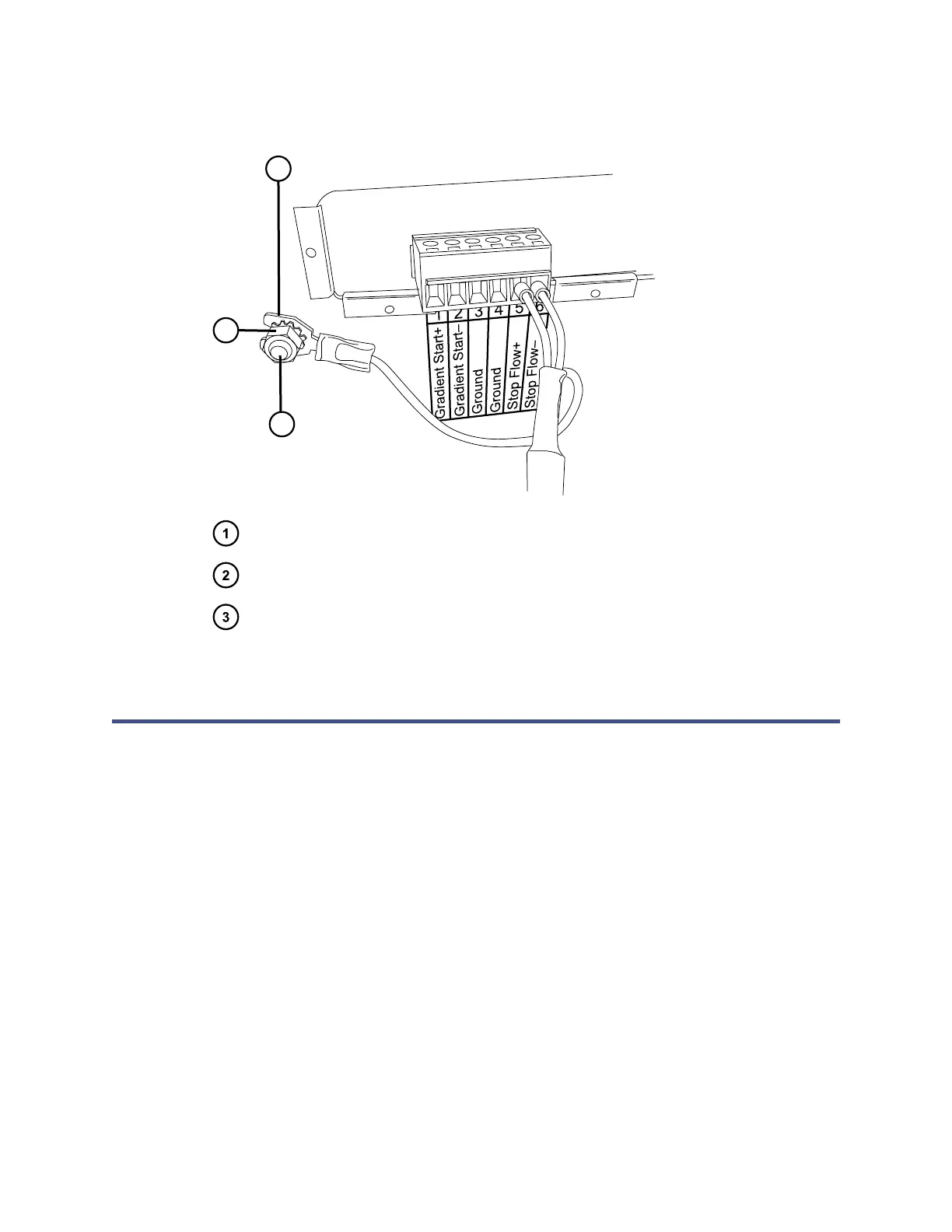
Figure 5–6: Cable fork terminal on grounding stud
Locking nut
Fork terminal
Grounding stud
5.2 Ethernet connections
The sample manager incorporates an internal Ethernet switch that accommodates
the PC (workstation) and as many as six system modules. Connect the shielded
Ethernet cables from each module to the electronic connections on the rear panel of
the sample manager. The sample manager is connected internally to the Ethernet
switch.
Alternative: Some column modules connect to the sample manager using a D-sub
cable assembly.
June 12, 2015, 715004747 Rev. A
Page 57












 To Next Page