Section 2
Auto-Zone CV & CV-EX
2-16 Installation and Wiring
CommLink II Interface
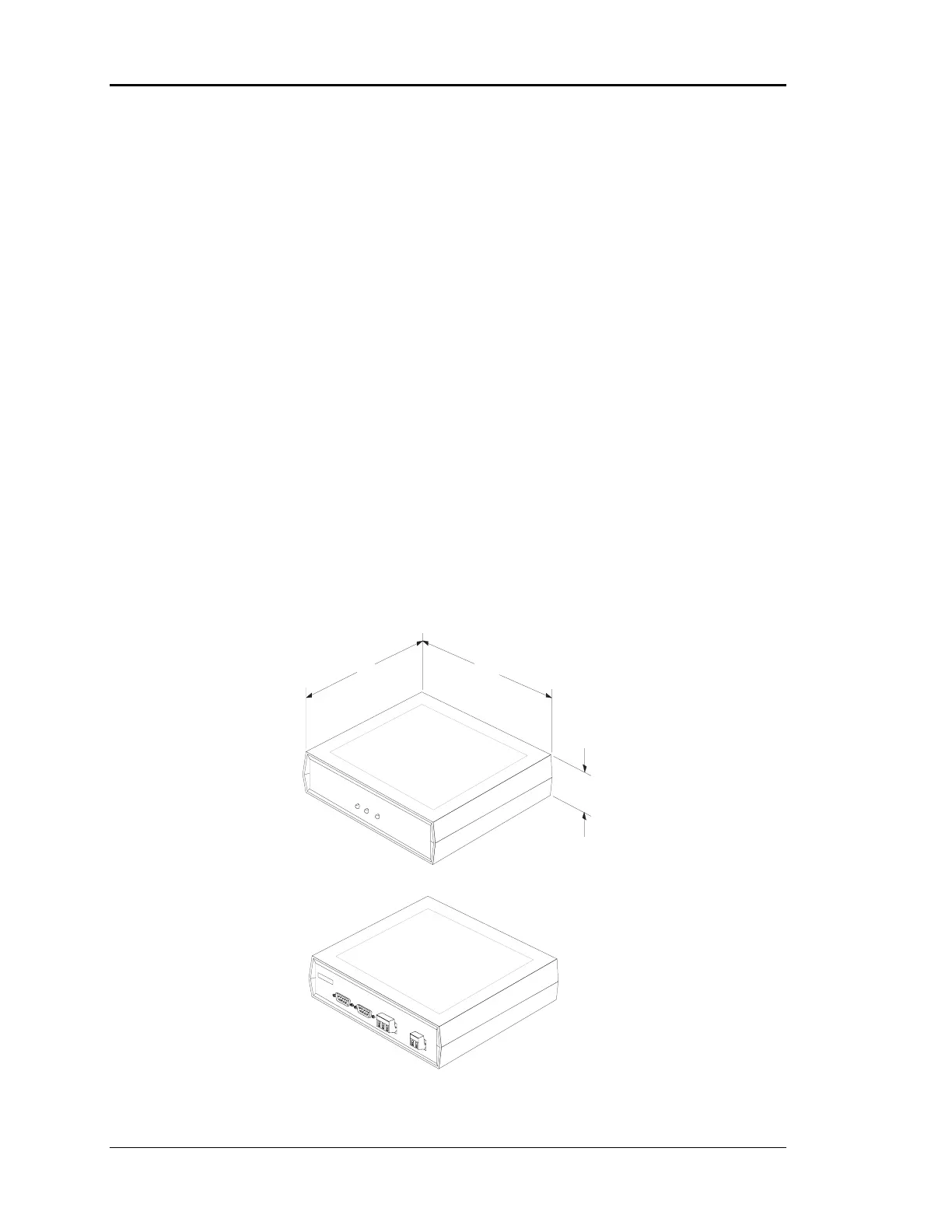
The CommLink II Interface acts as the local communications loop master for the CV
system and the network loop master for CV-EX systems. See Figure 2-12 for
dimensional data. It also provides for an on-site computer hook-up or Remote Link
interface connection to the system for remote communications, with both the CV or CV-
EX systems. For the CV system, the CommLink II is wired and its jumper must be set for
single loop operation. For the CV-EX system, the CommLink II is wired and its jumper
must be set for multiple loop operation. See Figure 2-13 for correct jumper setting
connection and wiring instructions.
If an on-site computer is to be connected to the system, locate the CommLink II near the
computer. Also, if a Remote Link is to be used it must be located close to the CommLink.
The CommLink II comes complete with computer and modem cables, and a 110VAC
plug-in power supply. The RemoteLink is also supplied with a 110 VAC plug in power
supply. The cable connections between the CommLink II and the computer or Remote
Link must be made with the factory supplied cables. These cables are designed
specifically for the CommLink and RemoteLink connections. DO NOT USE any other
cables to connect them to each other or the computer, as the system will not function. See
Figure 2-13 for information about connecting to the Remote Link and personal
computer.
COMM LINK IICOMM
LINK
II
L
C
M
M
O
O
O
O
M
D
P
P
E
1.50
7.00
5.25
COMPUTER
REMOTE LINK
(DTE)
(DCE)
SERIAL #
POWER
485 LOOP
T
G
R
2
4
G
N



 To Next Page