EasyManua.ls Logo

Wavetek 3000 - Calibration Procedure; +18 Volt Adjustment; -18 Volt Adjustment; +7.3 Volt Check

Wavetek 3000
225 pages
Print Icon
To Next Page IconTo Next Page
To Previous Page IconTo Previous Page
Loading...
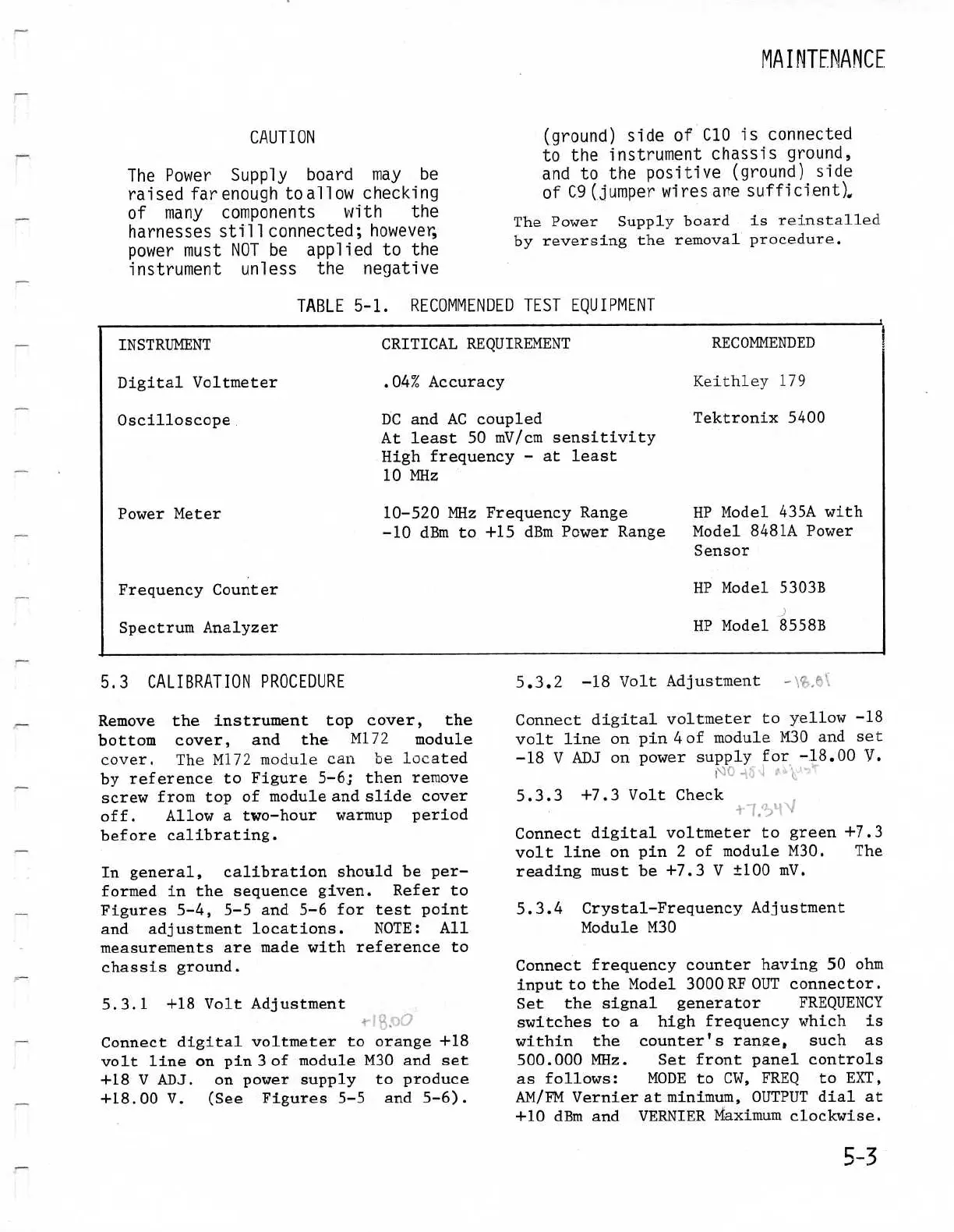
CAUTION
The
Power Supply
board
may
be
raised
far
enough
to
allow
checking
of
many
components
with
the
harnesses
sti11connected
;
however,
power
must
NOT
be
applied
to
the
instrument
unless
the
negative
INSTRUMENT
Digital
Voltmeter
5.3
CALIBRATION
PROCEDURE
.04%
Accuracy
Remove
the
instrument
top
cover,
the
bottom
cover,
and the
M172
module
cover
.
The
M172
module
can
be
located
by reference
to
Figure
5-6
;
then
remove
screw
from
top
of
module
and
slidecover
off
.
Allow
a
two-hour
warmup period
before
calibrating
.
In
general,
calibration
should
be
per-
formed
in
the
sequence
given
.
Refer
to
Figures
5-4,
5-5 and 5-6
for
test
point
and
adjustment
locations
.
NOTE
:
All
measurements
are
madewith
reference
to
chassis
ground
.
5.3
.1
+18VoltAdjustment
Connectdigital
voltmeter
to
orange
+18
volt
line
on pin
3
of
module
M30
and set
+18V
ADJ
.
on power
supply
to
produce
+18
.00
V
.
(See
Figures
5-5
and
5-6)
.
TABLE
5-1
.
RECOMMENDED
TEST
EQUIPMENT
CRITICAL
REQUIREMENT
The
Power Supplyboard
is
reinstalled
by reversing
the
removal
procedure
.
(ground)
side
of
C10
is
connected
to
the
instrument
chassis
ground,
and
to
the
positive
(ground)
side
of
C9
(jumper
wires
are
sufficient)
5
.3
.3
+7
.3
VoltCheck
RECOMMENDED
Keithley
179
MAINTENANCE
5
.3 .2
-18
Volt
Adjustment
-
Connect
digital
voltmeter
to
yellow
-18
volt
line
on
pin
4
of
moduleM30
and
set
-18V ADJ
on
power
supply
for -18
.00
h
.
Connect
digital
voltmeter
to
green
+7
.3
volt
line
on
pin
2
of
module
M30
.
The
readingmust
be
+7
.3
V
±100
mV
.
5.3.4
Crystal-Frequency
Adjustment
ModuleM30
Connectfrequency
counter
having
50
ohm
input
to
the
Model
3000
RF
OUT
connector
.
Set the
signal
generator
FREQUENCY
switches
to
a
high
frequency
which
is
within
the
counter's
range
s
such
as
500
.000
MHz
.
Set
front
panel
controls
as
follows
:
MODE
to
CW,
FREQ
to
EXT,
AM/FM
Vernier
at
minimum,
OUTPUT
dial
at
+10 dBm
and
VERNIER
Maximum
clockwise
.
5-
3
Oscilloscope
DC
and
AC
coupled
Tektronix
5400
At
least
50
mV/cmsensitivity
Highfrequency
- at
least
10
MHz
Power
Meter
10-520MHz
FrequencyRange
HP
Model
435A
with
-10
dBm
to
+15 dBm
Power
Range Model
8481A
Power
Sensor
FrequencyCounter
HP Model
5303B
Spectrum
Analyzer
HP
Model
8558B

Table of Contents

Related product manuals