25 26
GB
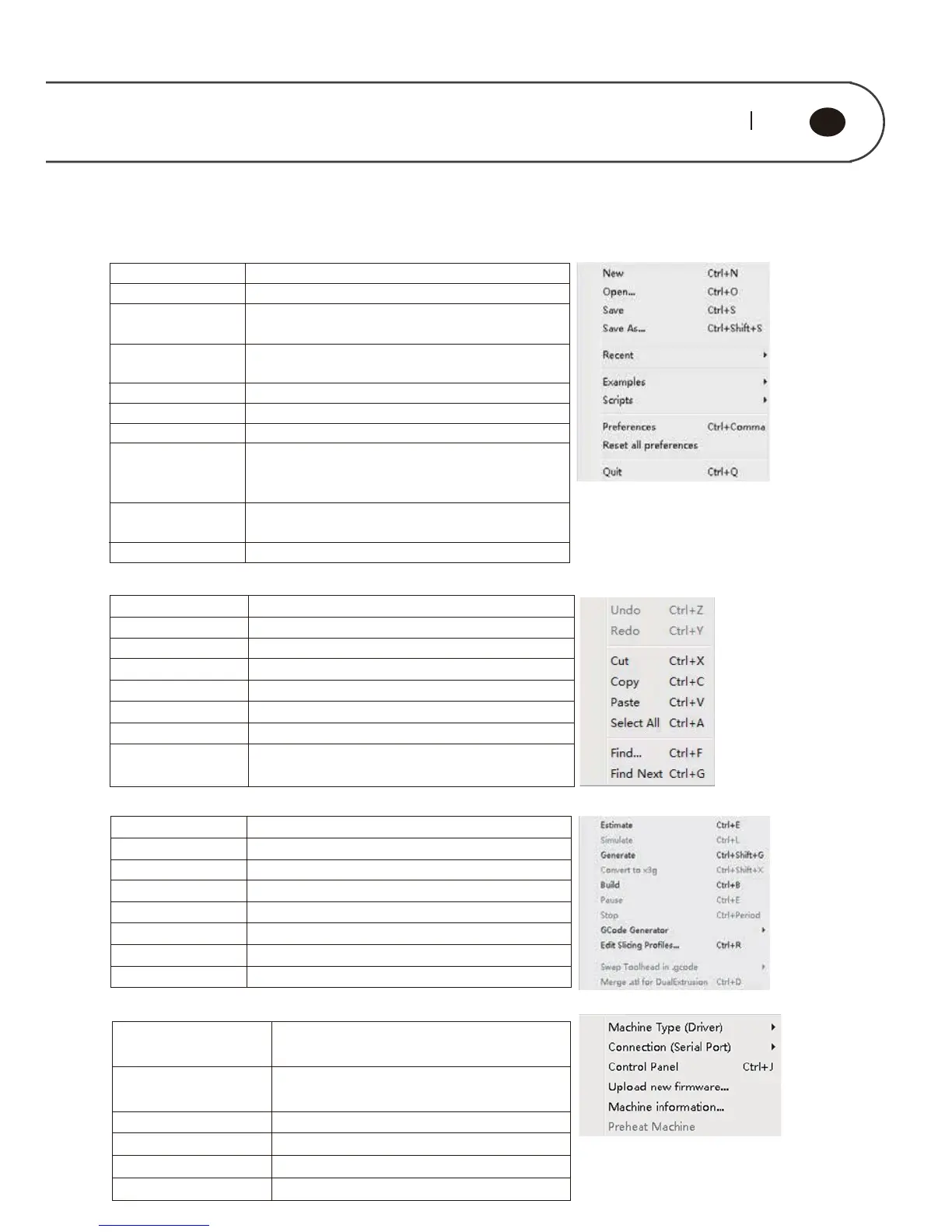
5.2.2. Menu bar
1.File
New: Crea te a new GCode file
Open Print STL model or GCode file
Save Allows you to save the current STL model or
GCode file
Save as
Allows youto save the modified STL model or
GCode files as specified file name
Recent
Open the recent file list.
Examples
Open the sample model list
Scripts
Open the script file list
Preferences
Open the parameter setting window (if you are not
clear about the specific function of some settings,
do not change them).
Reset all
Preferences
Reset all software pa rameters to the default
settings
Quit
Exit the software e n vironment
2.Edit
3.GCode
Machine Type
(Driver)
Choose the machine type
Connection(Seria l
Port)
Choose the serial port to connect the
machine to the computer
Control Panel Open the manual control panel
Upload new firmware Update the firmware online
Machine information Display the machine information
Preheat Machine Preheat the heat plate and the nozzle
4.Machine
Undo Cancel or modify your previous actions
Redo Redo or mo dify your previous actions
Cut Cut code (only effective in the GCode tab)
Copy Copy code (only effective in the GCode tab)
Paste Paste code (only effective in the GCode tab)
Select All Select code (only effective in the GCode tab)
Find Find code (only effective in the GCode tab)
Find next Find next code (only effective in the GCode
tab)
Estimate Estimate th e build time
Simulate Simulation build
Convert to Gcode Convert STL model to GCode
Build Build the object from Gcode file
Pause Pause a print
Stop Stop a print
GCode Generator Choose the Gcode Generation tool
Edit Slicing Profiles Edit Gcode Generation Profiles



 To Next Page