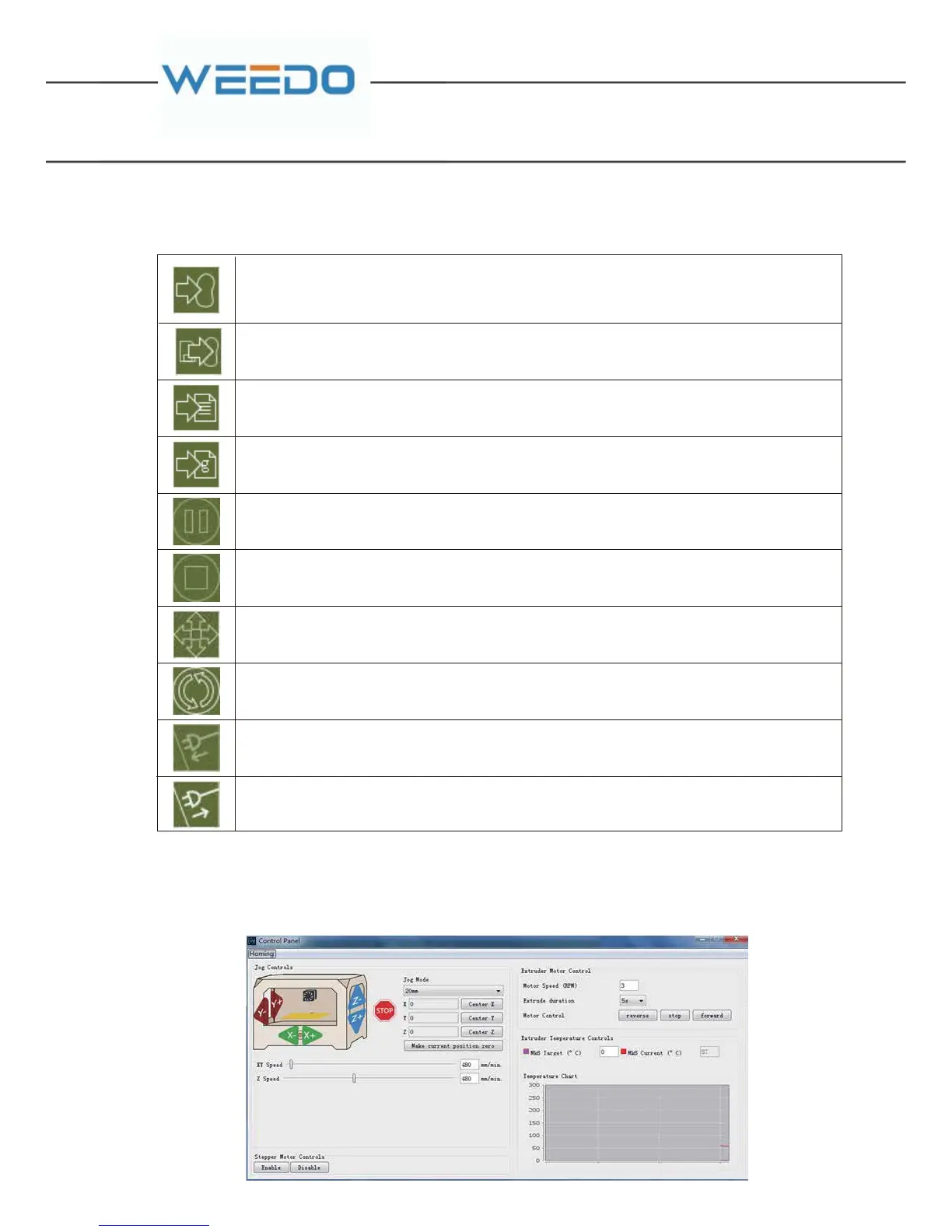
5.2.3. Tool Bar
Start a pr int via USB, if the STL model has not converted to Gcode, the software will firstly
use The previous conversion par ameters to star t convert the model before build your
object
This will allow you to print one of the list of the files currently on the SD card (7) in your
machine
Convert your Gcode file to an s3g file and save it
Opens up the Generate Gcode window
Pause a print
Stop a print
Open the manual control panel from which you can control different parts of your
machine.
Reset the m achine
Connect to your machine
Disconnect from your machine
5.2.4. Control Panel
Click the tool bar and open the Control panel as follows, by which you can control
the movement of the XYZ axels, the build plate and the nozzle.



 To Next Page