33 34
GB
6.2.2. SETTINGS
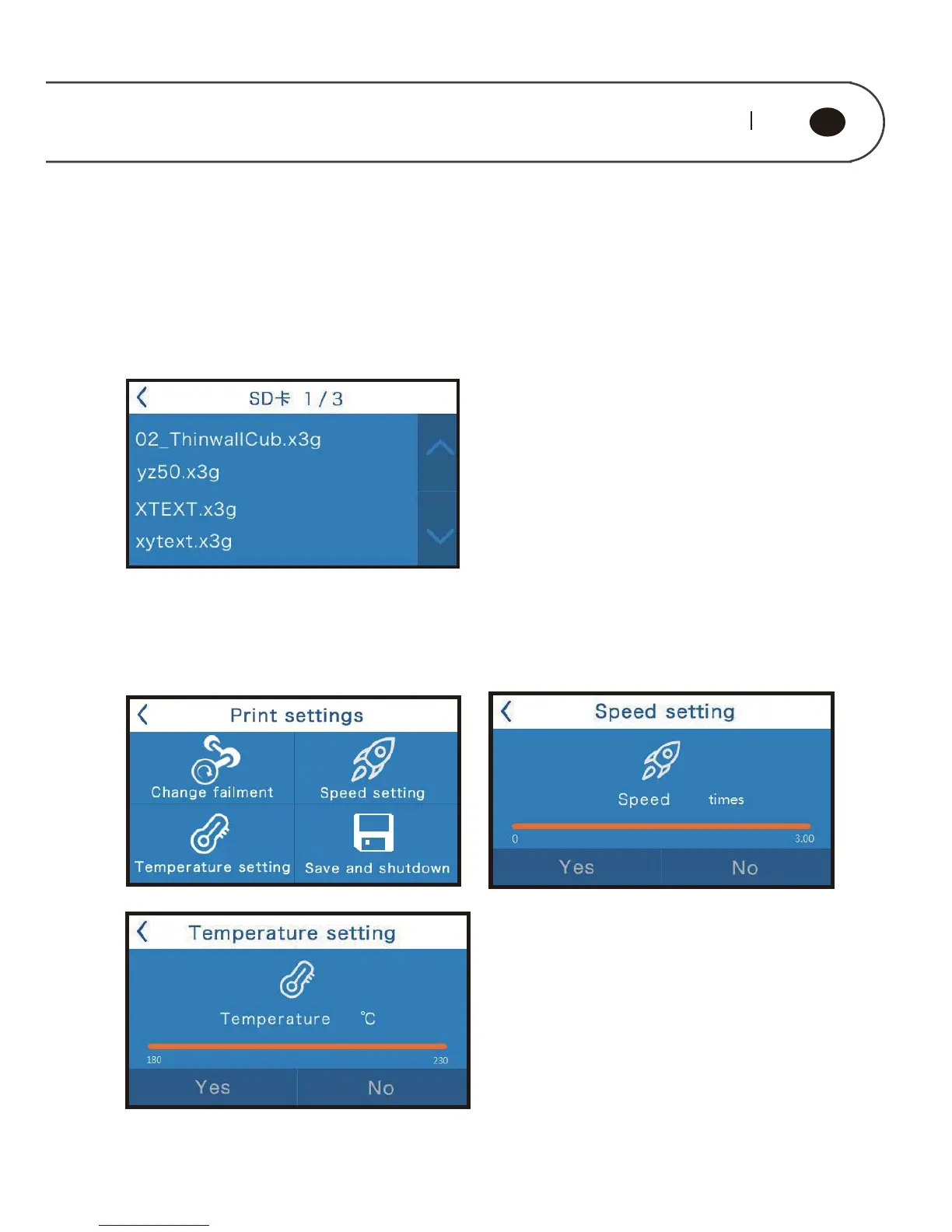
In the start menu, choose “Print”to enter the SD Card file list.This machine support
English and Chinese file name models.The list is displayed with x3g format file in the
SD card (5) root directory in the way of reverse chronological order. Use up and down
arrow buttons to choose the files needed to print, the left top arrow button is to return
to previous menu.
After choosing the file and during printing, many operations are available for example
pause printing,quit printing,pause and change filament,speed
adjustment,temperature adjustment, save and shutdown etc.



 To Next Page