51 52
GB
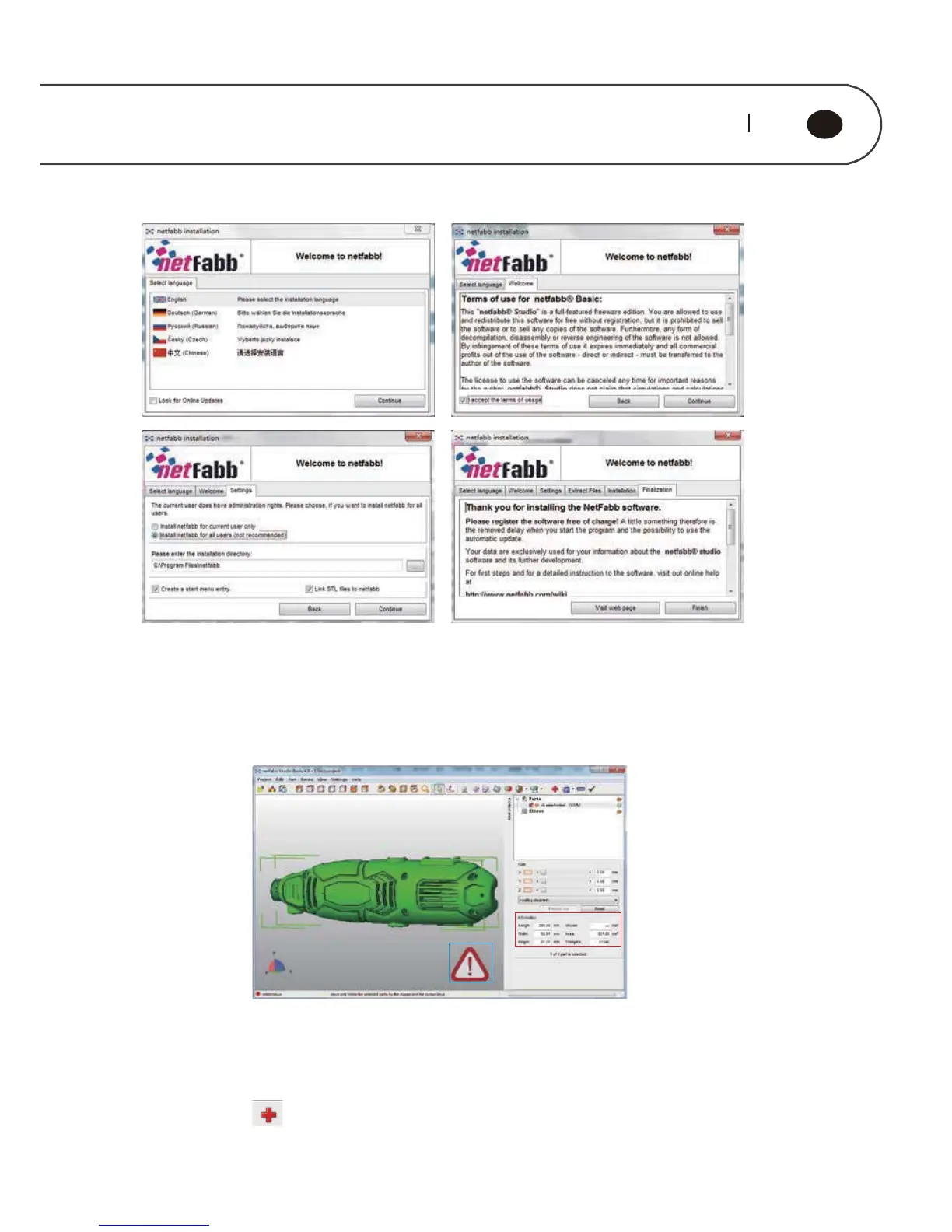
The figure below displays a standard interface of netfabb studio
Red box is model size.
Before using ReplicatorG for model slice, you can view the model size by Netfabb.
When model size exceeds the maximum print size, it is unable for model sliced.
Blue box is these is a error for model. If the interface displays an exclamation mark
at the bottom right, it means that the model error. When the STL model is abnormal
or has error, it will not print or print out physical distortion occurs. Using Netfabb
can easily repair STL model error. Click on the menu bar. Model errors sections
in yellow lines represent. Click “Automatic repair “- “Default repair” -”Execute” to
repair option to use the default.



 To Next Page