09
Installaon of Soware
3.1. The Installaon of Cura WEEDO
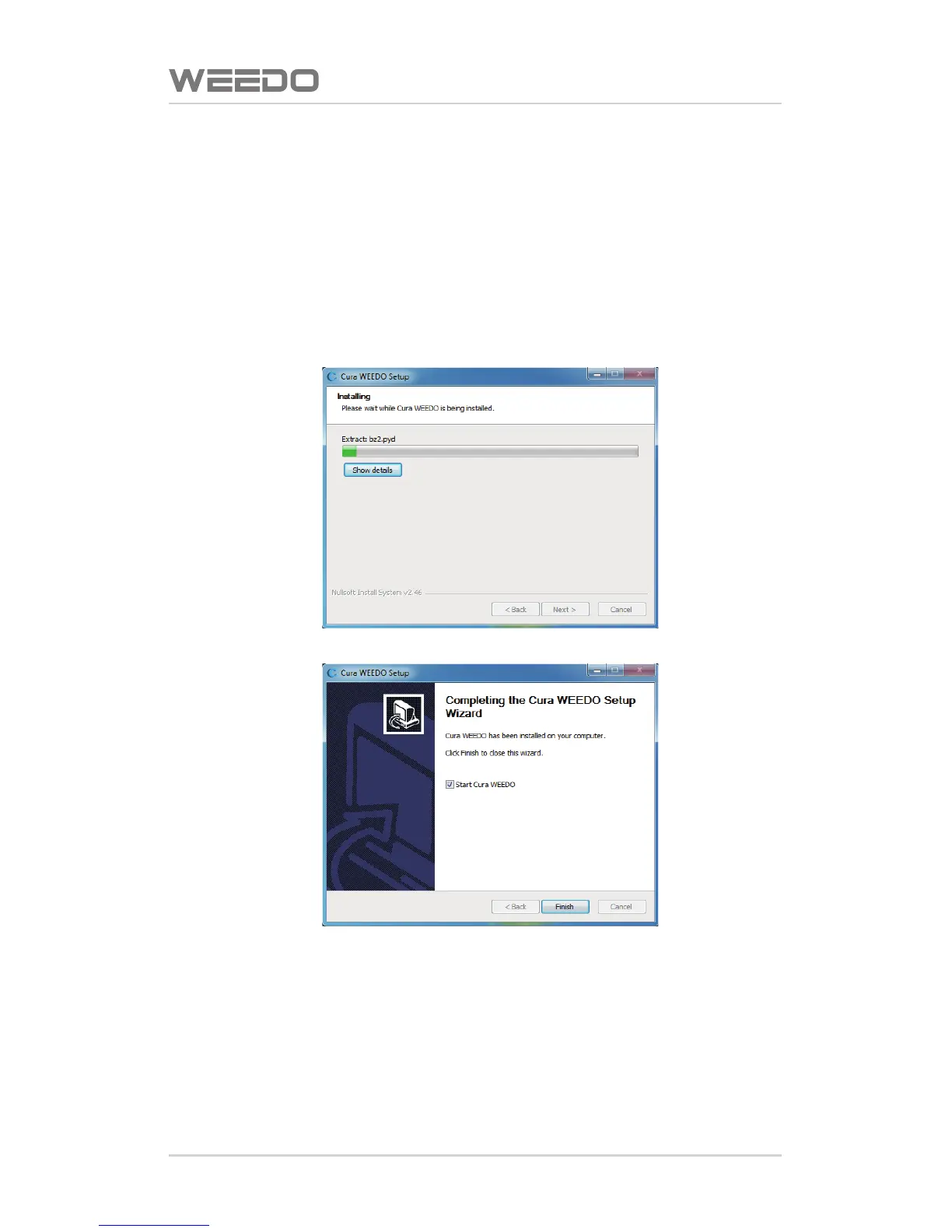
Run the soware installaon package, Cura-WEEDO, in the installaon wizard
window, click “installaon”→“Next Step”→“Complete”. In the window of
selecon installaon path window, please use the program default route.
Note: Cura installaon path is the root directory of Disc C



 To Next Page