29
Operaon Panel Seng
6.1. Operaon Panel Introducon
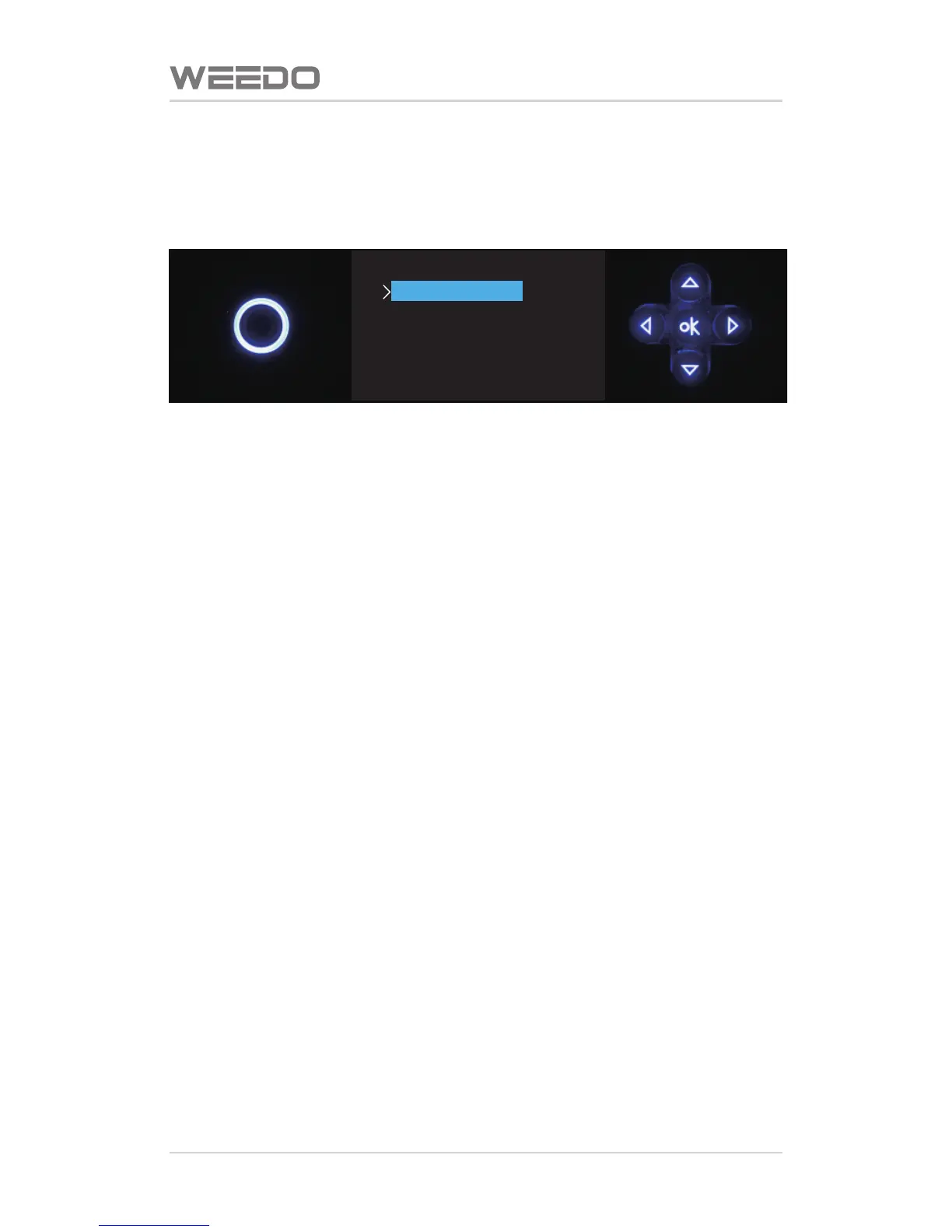
3D Printer’s operaon panel is composed of LCD display screen and five
dimension buons. In the case of unconnected with computer, it can perform
each item of prinng operaon through operaon panel.
Five dimension key is composed of five keys of Up, Down, Le, Right, and OK,
the common funcons of buons are as follows:
Up buon: In the menu operaon, the cursor rolls upward; in the seng
operaon, it chooses parameter of last item.
Down buon: In the menu operaon, the cursor rolls downward; in the seng
operaon, it chooses theparameter of next item.
Le buon: In the menu operaon, return to last story of menu; in the jog
mode, it switches the operaon sha.
Right buon: In the jog mode, it switches the operaon sha.
OK buon: In the menu operaon, it enters next layer menu; in the seng
operaon, it enters and returns seng parameter; in the jog mode, it returns
jog mode.
WEEDO M2
>
Print from SD
Preheat
Utilities
Setting&Info
Extruder :020C



 To Next Page