31
Operaon Panel Seng
6.3. The Common Operaon on the Operaon Panel
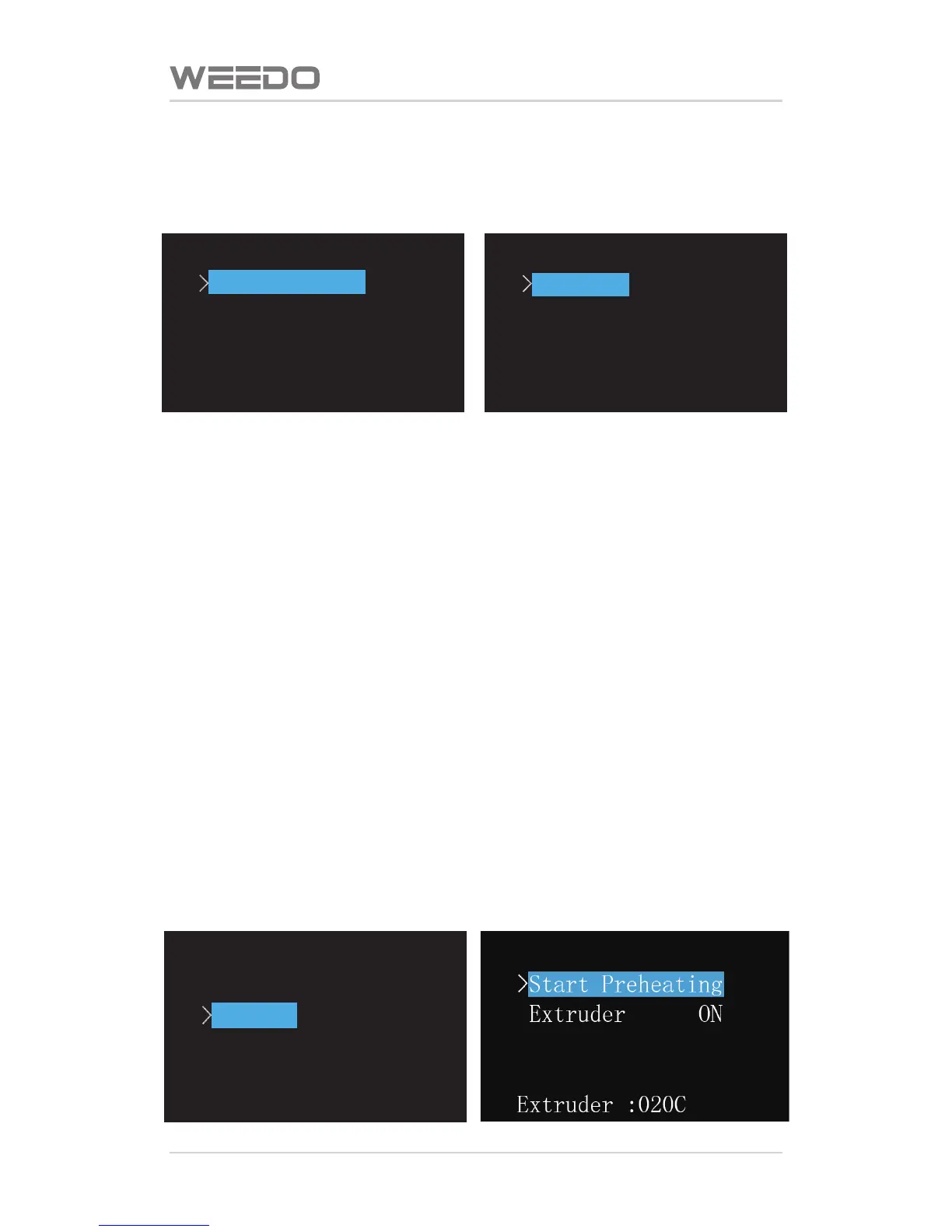
6.3.1. Prinng Files of the SD Card
In the start menu, choose the first item of “Prinng Files of SD Card”, enter to
the SD Card file list. The list is displayed with x3g format file in the SD card root
directory in the way of reverse chronological order. Use up and down buons
to choose the files needed to print, and then press buon “OK” to start
prinng.
Please note, the file name can’t be used with Chinese, file name length can’t
exceed 20 characters, and otherwise the machine can’t idenfy or display
messy code.
6.3.2. Printer Warm-up
In the start menu, choose the second item “Printer Manual Heang”, enter to
printer warm-up interface. In this interface, there is spray-head warm-up item
and plaorm warm-up item. Press the up and down buons to move cursor to
choose warm-up item, press buon of OK to switch ON/OFF state, and then
choose “Start Heang”, the plaorm temperature is firstly raised to the seng
temperature by printer, and then the spray-head temperature is raised to the
seng temperature. The seng temperature of warm-up can be altered in the
seng opons
SD Menu
>
V205.x3g
yz50.x3g
XYtest.x3g
XYtest.x3g
Extruder :020C
WEEDO M2
Print from SD
>
Preheat
Utilities
Setting&Info



 To Next Page