22
Cura Soware Detailed Introducon
5.2. Model Conversion
5.2.1. Model Loading
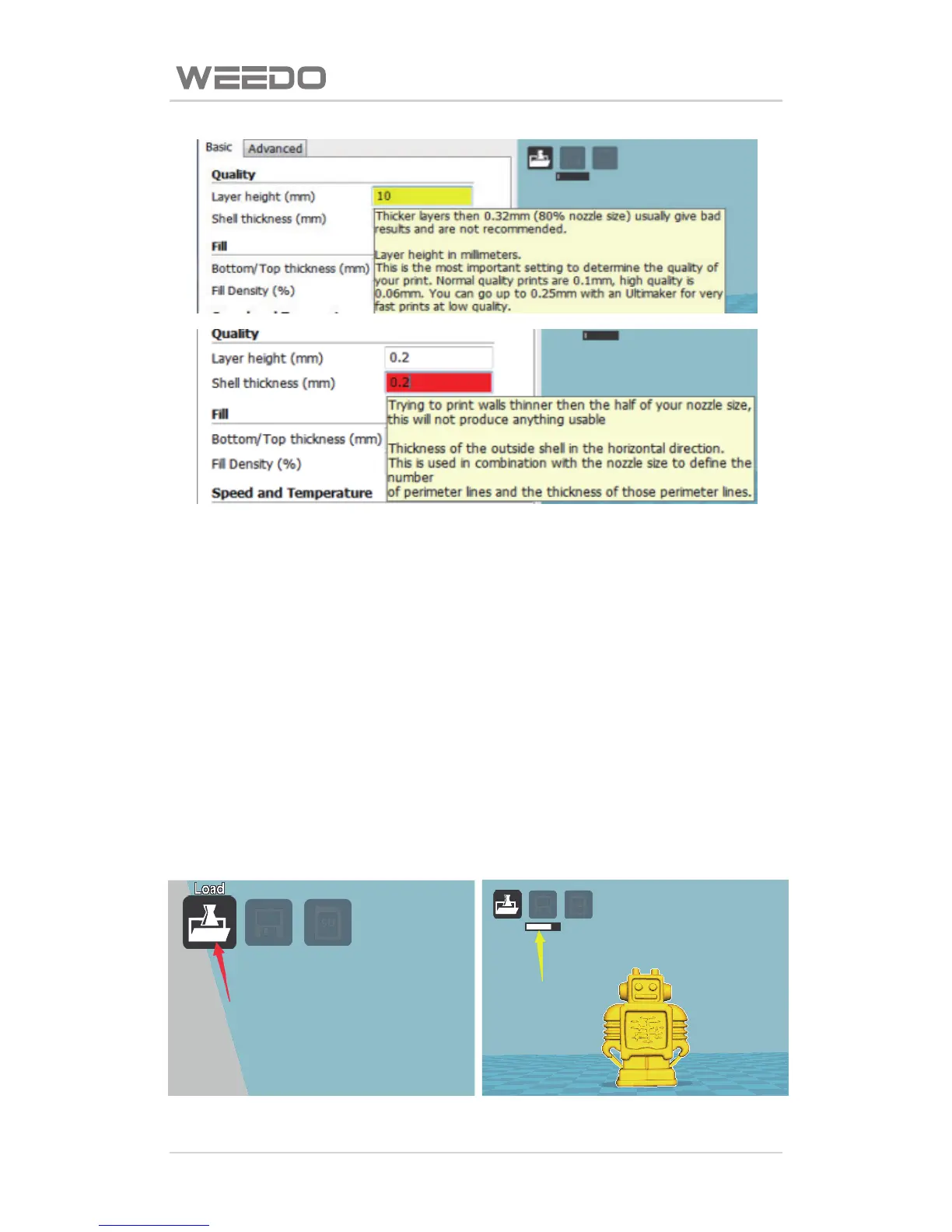
Open Cura soware, as shown in figure below, click the loading buon of
“Load” of red arrow poinng on the interface, the model needed to print is
choose in the pop-up window. Please note: Yellow arrow poinng is the
progress bar, Cura secon engine is always started, when model or parameter
is changed, engine would re-start slicing. To the computer with low
configuraon, the frequent modificaon of parameter and changing model
may cause the Caton phenomenon when the engine is started, the operaon
speed can’t be too fast.



 To Next Page