EasyManua.ls Logo

WEEDO M2 - Operation Panel Menu

WEEDO M2
56 pages
Print Icon
To Next Page IconTo Next Page
To Previous Page IconTo Previous Page
Loading...
30
Operaon Panel Seng
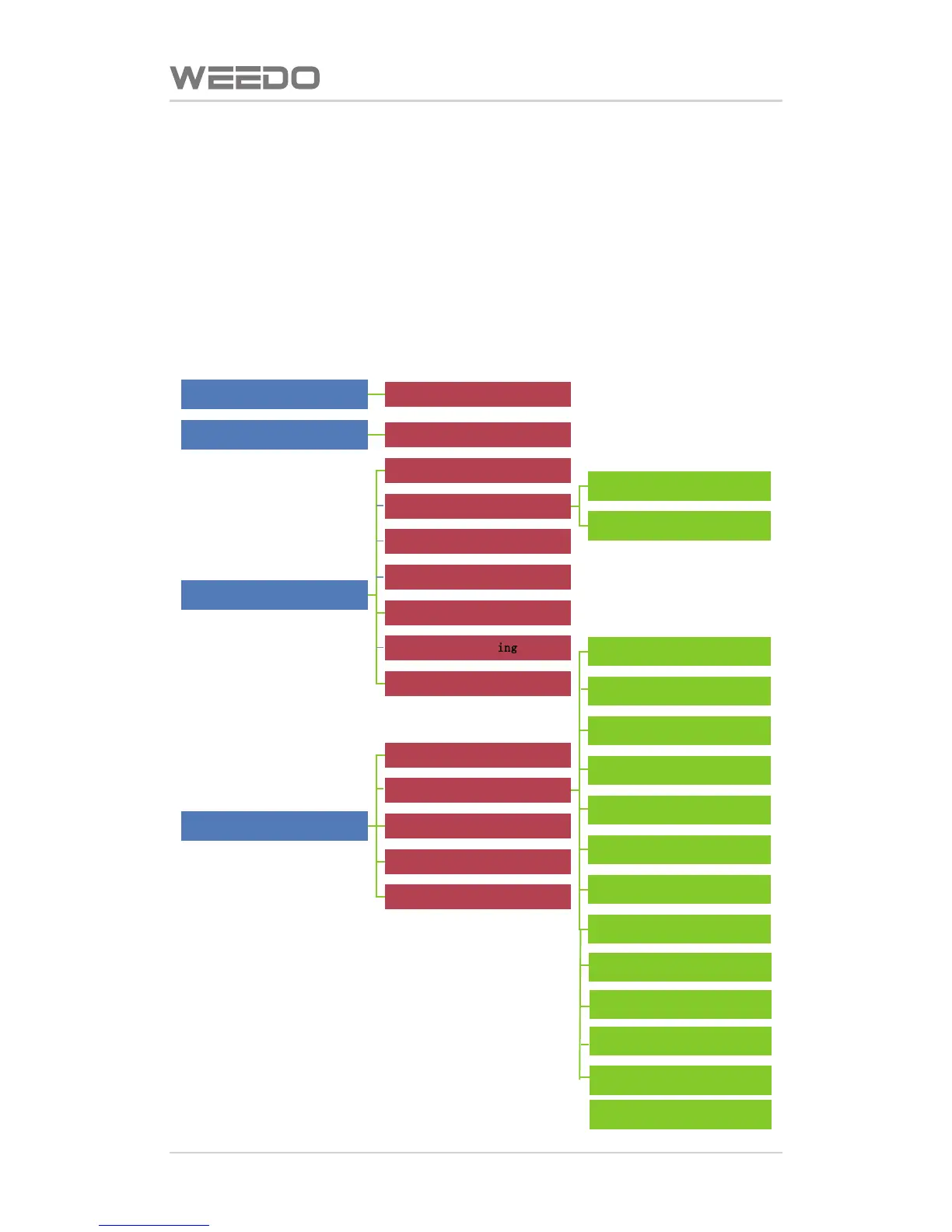
6.2. Operaon Panel Menu
The menu tree of control panel is shown as figure below, the menu is divided
for three layers (menu structure may be adjusted according to the firmware
upgrade), the far le side is the start menu, right side is its sub-menu. When
buon OK is pressed, it can enter to the sub-menu of certain menu item.
When le buon is pressed, it returns to last layer menu. Black font menu
item is the prohibited use item in the figure.

Print the data in SD card
List of x3g files
Printer preheat manually
Prehest/turn off preheat
Printer funcon debugging
Monitor mode
Repl acing the feed wire
Load feed wire
Unload feed wire
Platform debugging
Homing of the nozzle
Jog Mode
LE D blink
ing
Turn off the motor
Parameter Sengs of printer
Info. of the printer
General Sengs
Heat Hold
Sound
Accelerate
LED colors
No. of the nozzles
Holding of the nozzle
Heang of the print plaorm
Nozzle oset
Preheat Sengs
Version i nfo.
Restore Defaults
Check the CD card
Check the CD card
Automatic shutdown
Language
Temperature oset

Related product manuals