12
Print the first model
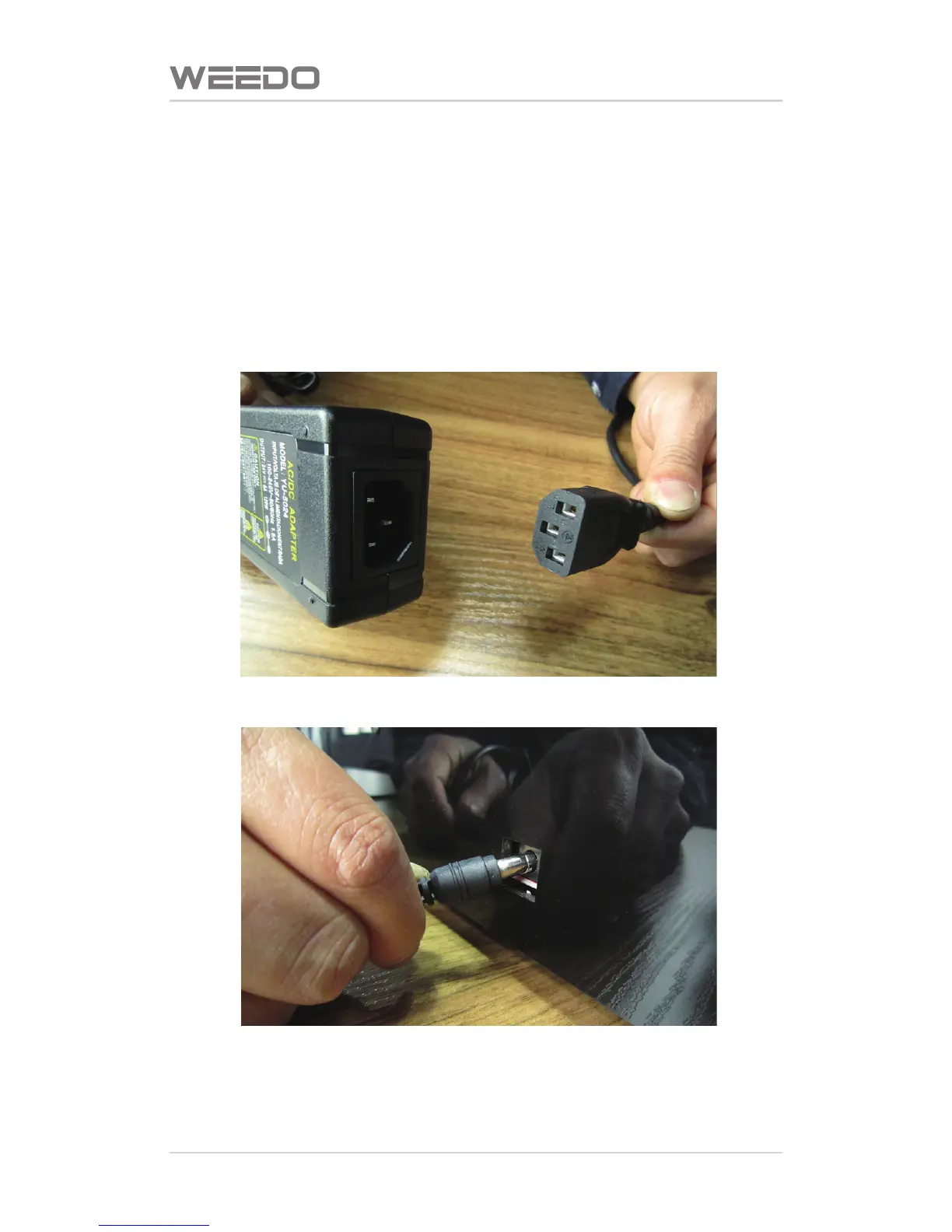
4.1. Linked with Power Supply
Take out the power cord from the accessories box, plug the male connector to
the power socket and female connector to 24V wide contact of external power
supply, and plug the 24V external power supply circular thin connector to the
power supply input socket at the back of printer.



 To Next Page