19
Cura Soware Detailed Introducon
5.1.2. Machine Seng
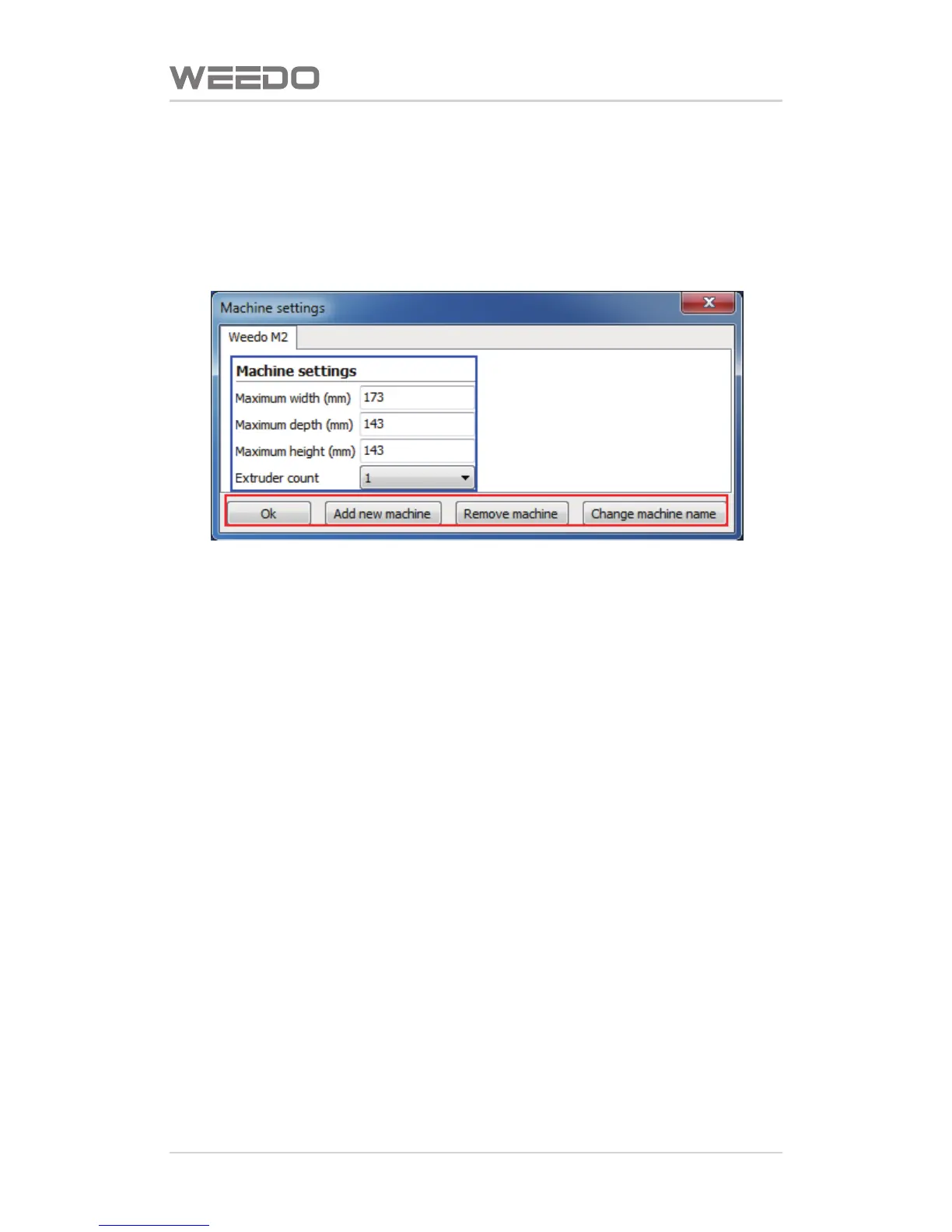
Click“Machine”on the menu bar→“Machine Seng”,enter to machine seng
interface,as shown in figure below.
◆Blue Box refers to the size of machine prinng plaorm,we have already
performed the preset according to your choice of model, please do not
change these data.
◆Red Box refers to the associated sengs of machine,including adding new
machine model you need, delete the machine modelyou don't need, also can
modify the name of machine model, modificaon of machine model name
would not change any parameters.



 To Next Page