47
Daily Repair and Maintenance
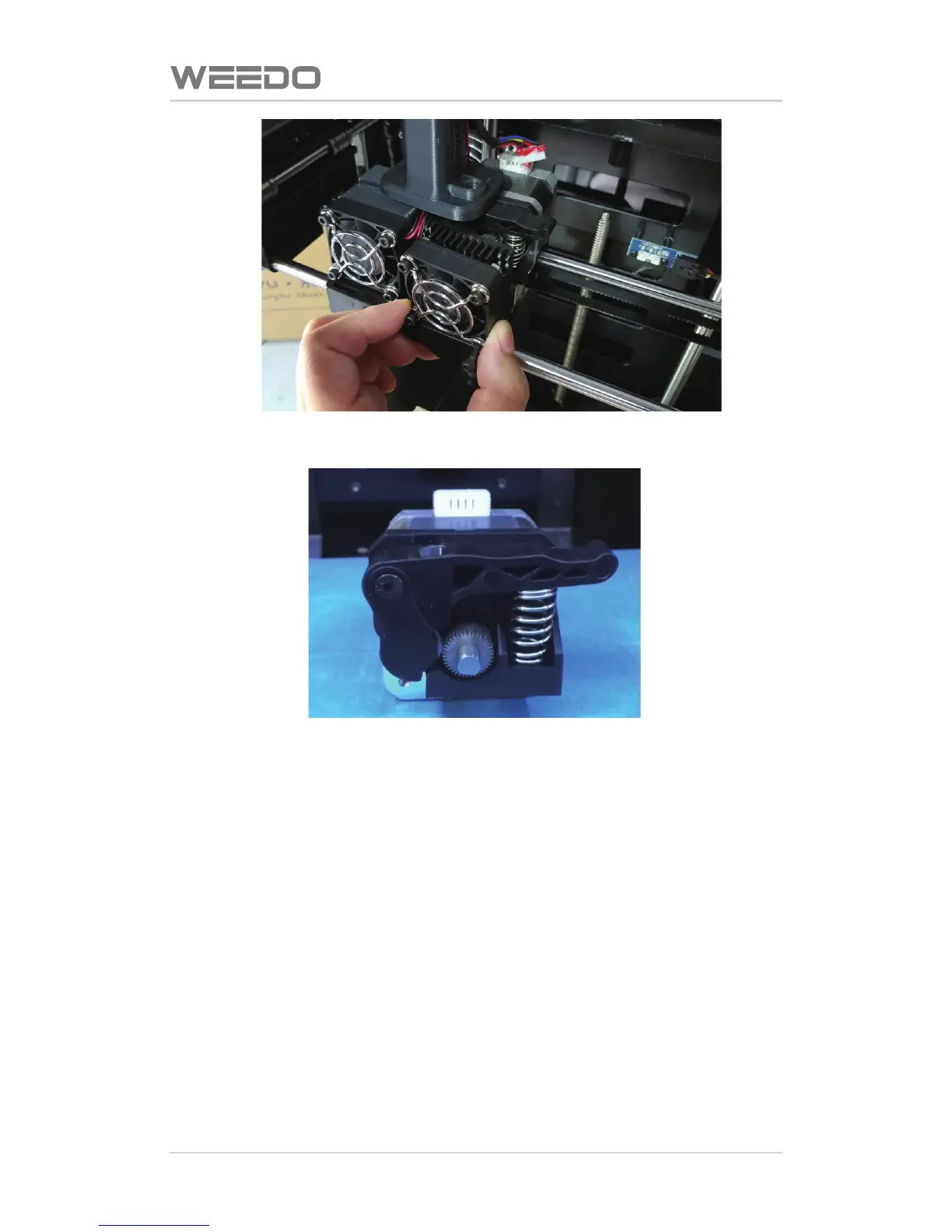
Then, take out the whole motor and feed gear from right back side
The filament debris on the motor gear is performed with cleaning by tweezers,
and installed is performed according reverse procedures aer cleaning.
Note: Finally plug in the motor connecon line.
7.2.2. Replacing Prinng Nozzle
When the operaon is inappropriate or the filament materials is not selected
properly, they would cause nozzle blockage. In the necessary cases, it needs to
perform the nozzle replacement.
Disassembly Procedure:
The component of noozle is fixed by a screw behind the fan.
Use 2.0mm hex wrench to lossen the screw, throuth the bloade gap fan.



 To Next Page