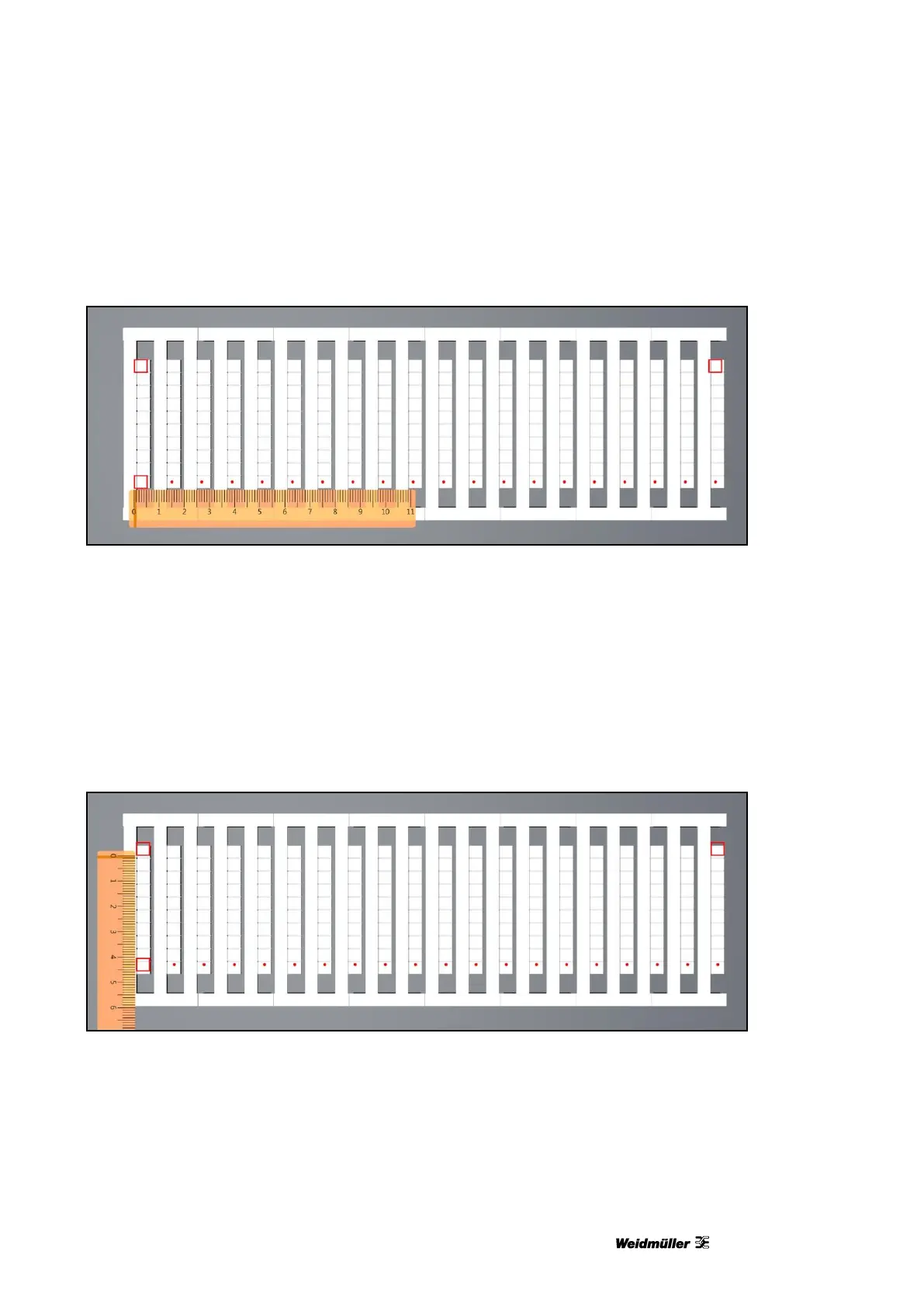
Figure 108 Adjusting the zero point in the X direction
In this example the three squares and the row of dots were printed 1 mm too far to the left.
To adjust this, it is necessary to change the value for ‛Offset (a)’ in the 'Adjust Marker Type' window (see
Figure 105 Adjusting the marker type).
In this example the squares have to be shifted to the right. Consequently a positive value must be entered (1
mm in this example).
Example of an incorrect zero point in the Y direction (offset b)
Figure 109 Adjusting the zero point in the Y direction
In this example the three squares and the row of dots were printed 1 mm too far up.
To adjust this, it is necessary to change the value for ‛Offset (b)’ in the 'Adjust Marker Type' window (see
Figure 105 Adjusting the marker type).
In this example the squares have to be shifted down. Consequently a positive value must be entered (1 mm
in this example).



 To Next Page