28
ProCommander
®
AX Pin Assignment
The network connection of the other ProCommander
®
has
to be modified as well, please refer to the instruction manual of
the other ProCommander
®
. Detailed information can be found
in chapter 14 "Network connection between ProCommander
®
and Pro I/O" in every ProCommander
®
instruction manual.
With the command !ssid0# the Sub-Device-ID can be
changed to 0 in the command line of the Weigl Configurator.
If the Sub-Device-ID is set to 0, then the ProCommander
®
AX
behaves like a typical ProCommander
®
, which can only be
addressed through the IP address and port number.
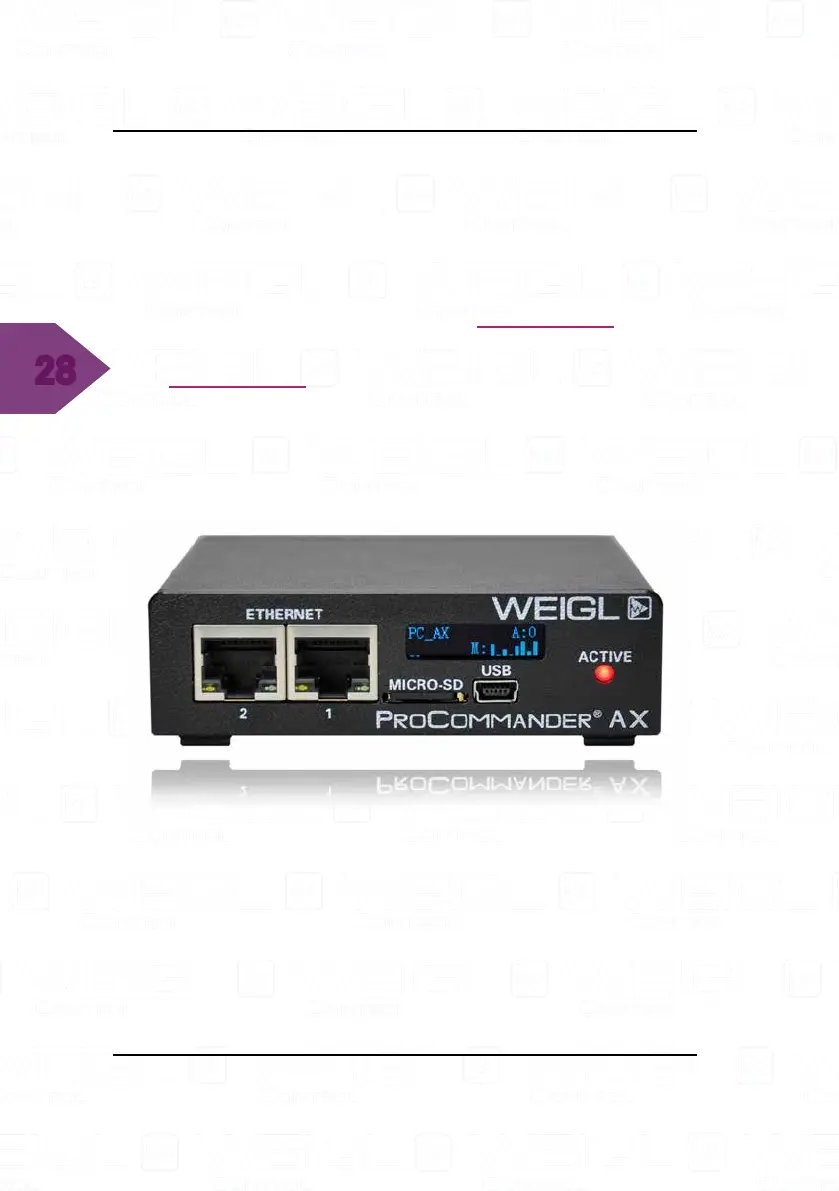
The ProCommander
®
AX display looks like this:
3.4.3 ProCommander
®
AX Loudspeaker
The information of the current volume of the audio is located
in the bottom left section of the ProCommander
®
AX display. It
is displayed with two bars corresponding to the current volume
of the audio file.


 To Next Page