26
ProCommander
®
AX Pin Assignment
3.4 ProCommander
®
AX Display
3.4.1 ProCommander
®
AX Outputs
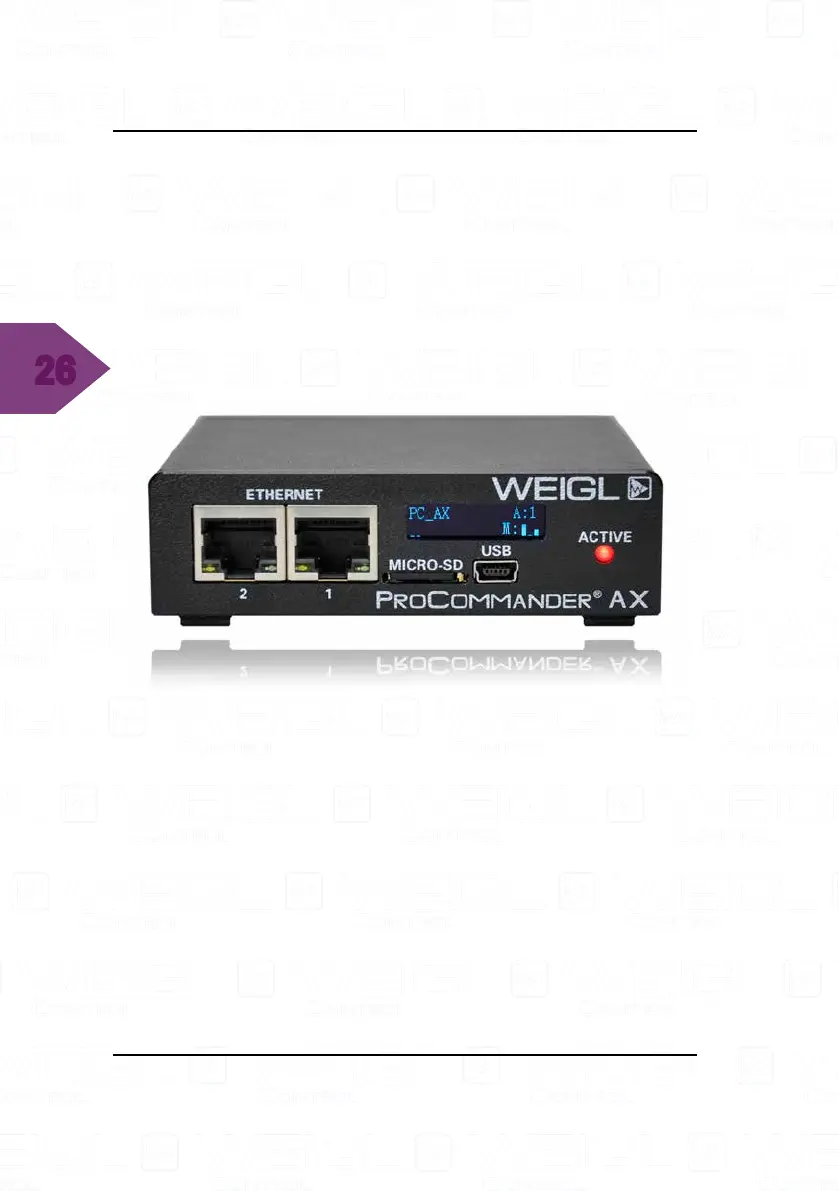
The information of the motor outputs is located in the bottom
right section of the ProCommander
®
AX display. After the "M:"
the current status of each channel is displayed on the screen.
In this example only three outputs are displayed, channel one
to three.
With the command !amm8# (RS-485 motors) or !acn8#
(CAN motors) eight outputs will be shown on the display.
This command can be send via the command line of the Weigl
Configurator. The ProCommander
®
AX display looks like this:


 To Next Page