72
Programming the ProCommander
®
AX
ATTENTION!
If the communication between the ProCommander
®
and the Sub-Device is not working, please check the
intern chart, if all values of the IP address and port
of the Sub-Device are set correctly and correspond
to its Sub-Device-ID in the chart.
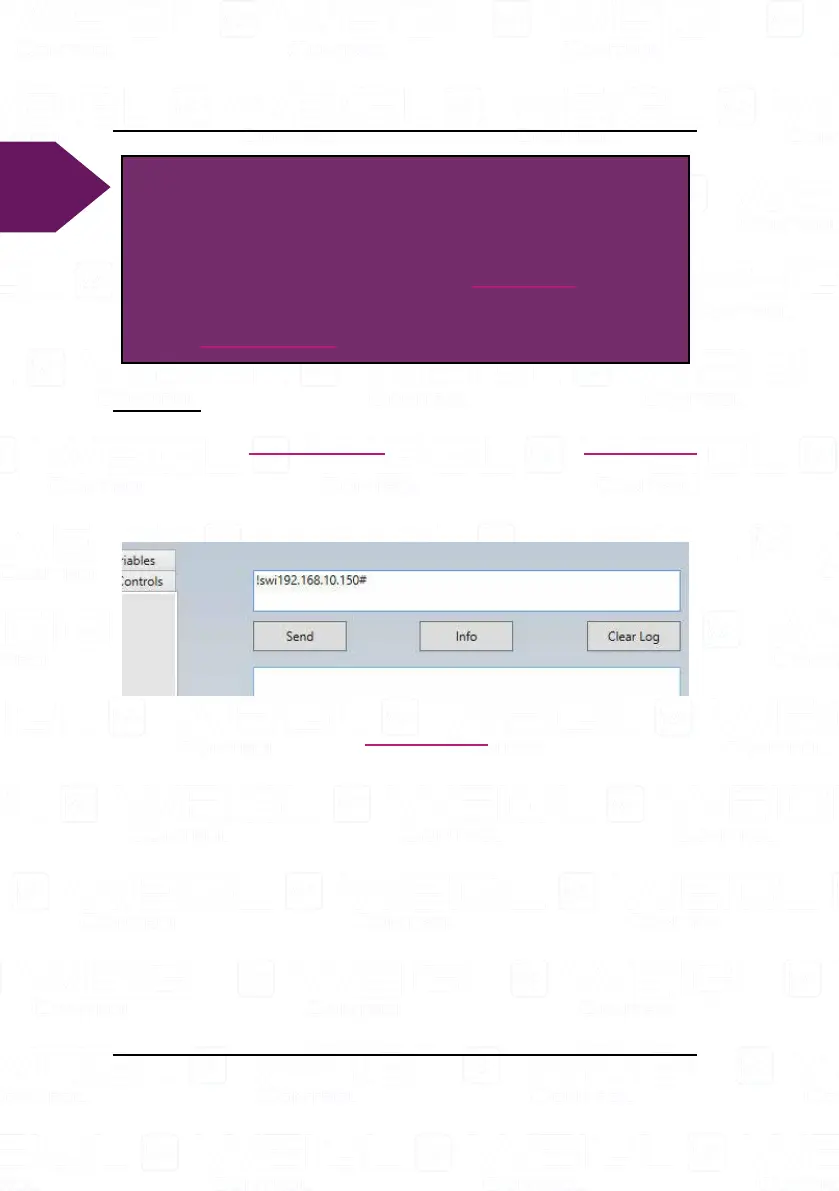
Example:
For the "Sub-Device-ID" address 1 the IP address
192.168.10.150# is chosen. The command reads as followed
!swi192.168.10.150#.
It assigns automatically IP addresses in ascending order for
all 32 possible modules on the ProCommander
®
AX. With the
command !gpa# the intern chart can be called.


 To Next Page