ONE
17
SERVICE PROGRAMMING_2B
· Factory preset
To restore the machine to factory default programming settings, follow the steps below:
1. Turn the machine o at the main power switch.
2. Press and hold K1+K2+K3+K4 simultaneously while turning the main power switch back on
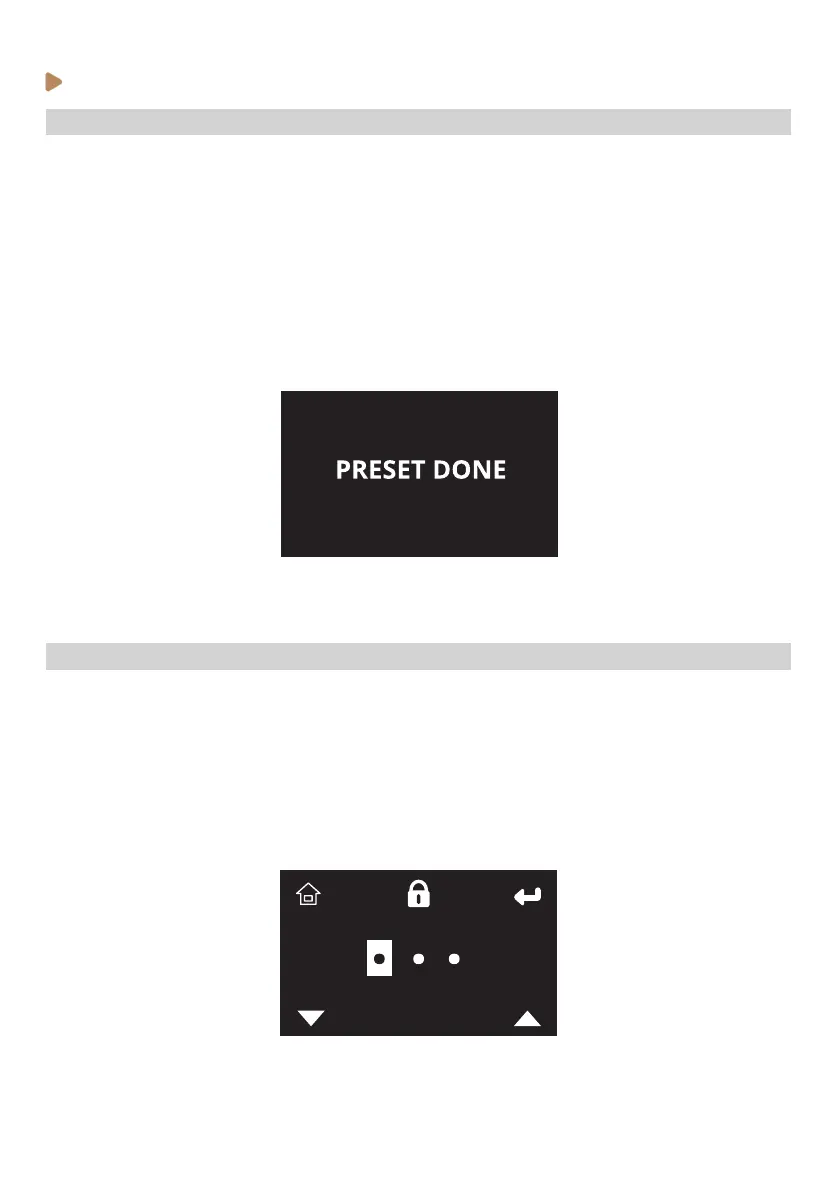
a wait 10s. The display will show “Preset done” and all previously customized settings will be
erased and replaced with the factory settings.
3. Cycle the machine o and on once more at the main power switch.
Note for LFPP models: After a preset is done, Barista and Recipe pressure proling modes are
disabled by default. Pressure proling settings must be enabled on the service programming menu.
· Service menu – Access & browsing
To access the service programming settings, follow the steps below:
1. Put the machine on Stand-by (OFF) (see previous instructions).
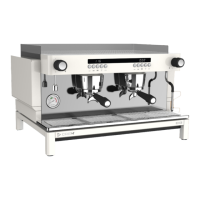
2. Press K2 (‘T’ icon) to access to the service menu. The password is: 111.
3. Browse through the menu by pressing K2 (->). Access and adjust each setting by pressing K3
and/or K4.
4. Press K1 (home icon) to come back to Stand-by mode (OFF)



 To Next Page