ONE
20
SERVICE PROGRAMMING_2B
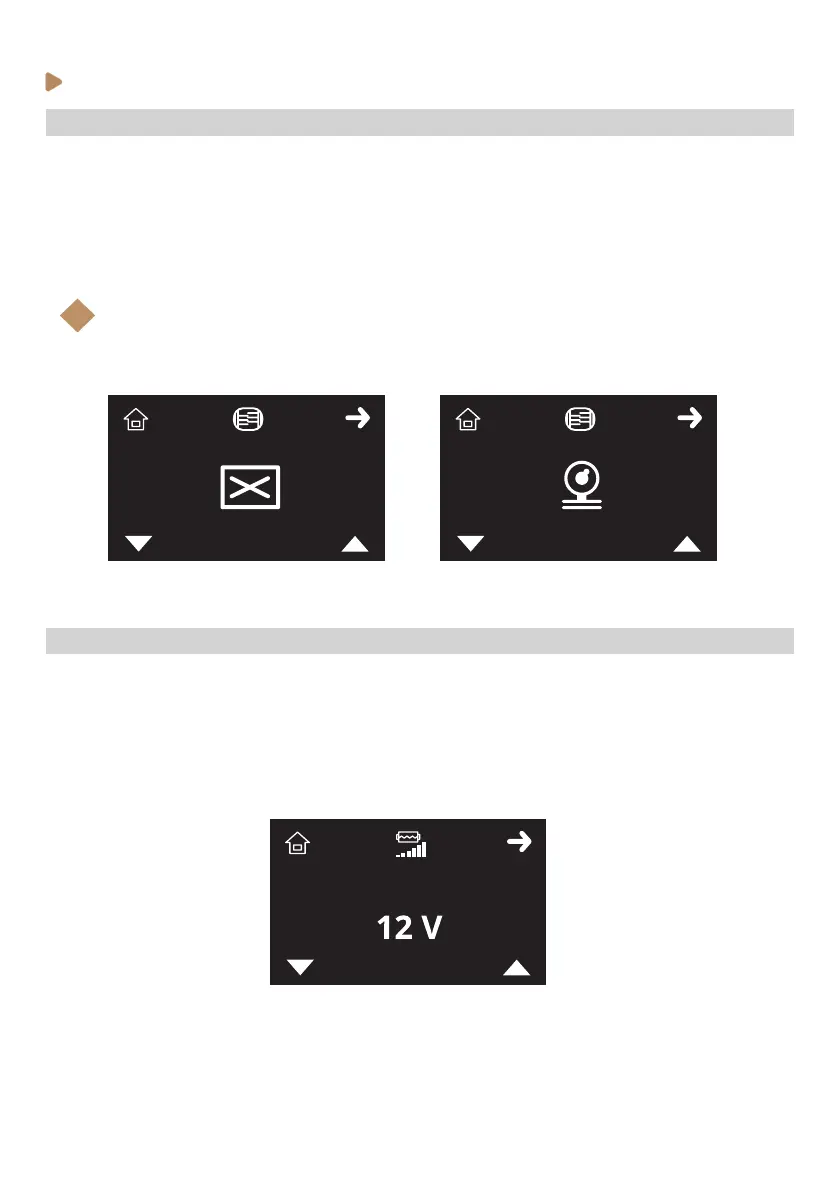
· Enabling / disabling Pressure Proling
To enable or disable the Pressure Proling menus, follow the steps below:
1. Enter the service programming and browse through the menu (see previous instructions).
2. When Pressure Proling icon (X) is shown on the display, select with K3 and K4 buttons to scroll
between enabled or disabled. Accept with K2.
3. Press K1 (home icon) to come back to Stand-by mode (OFF)
Note:
If Pressure Proling mode is disabled, Pressure Proling setting on Barista menu and
Barista and Recipe modes will be disabled.
i
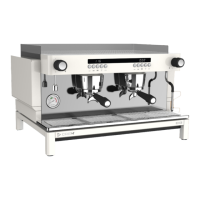
· Adjusting GSP (Gradual Soft Preinfusion) starting pump voltage
To adjust the initial pump voltage of the GSP function, follow the steps below:
1. Enter the service programming and browse through the menu (see previous instructions).
2. When GSP icon (X) is shown on the display, select with K3 and K4 buttons to adjust the initial
pump voltage value. Accept with K2. Default setting: 12V.
3. Press K1 (home icon) to come back to Stand-by mode (OFF)



 To Next Page