ONE
18
SERVICE PROGRAMMING_2B
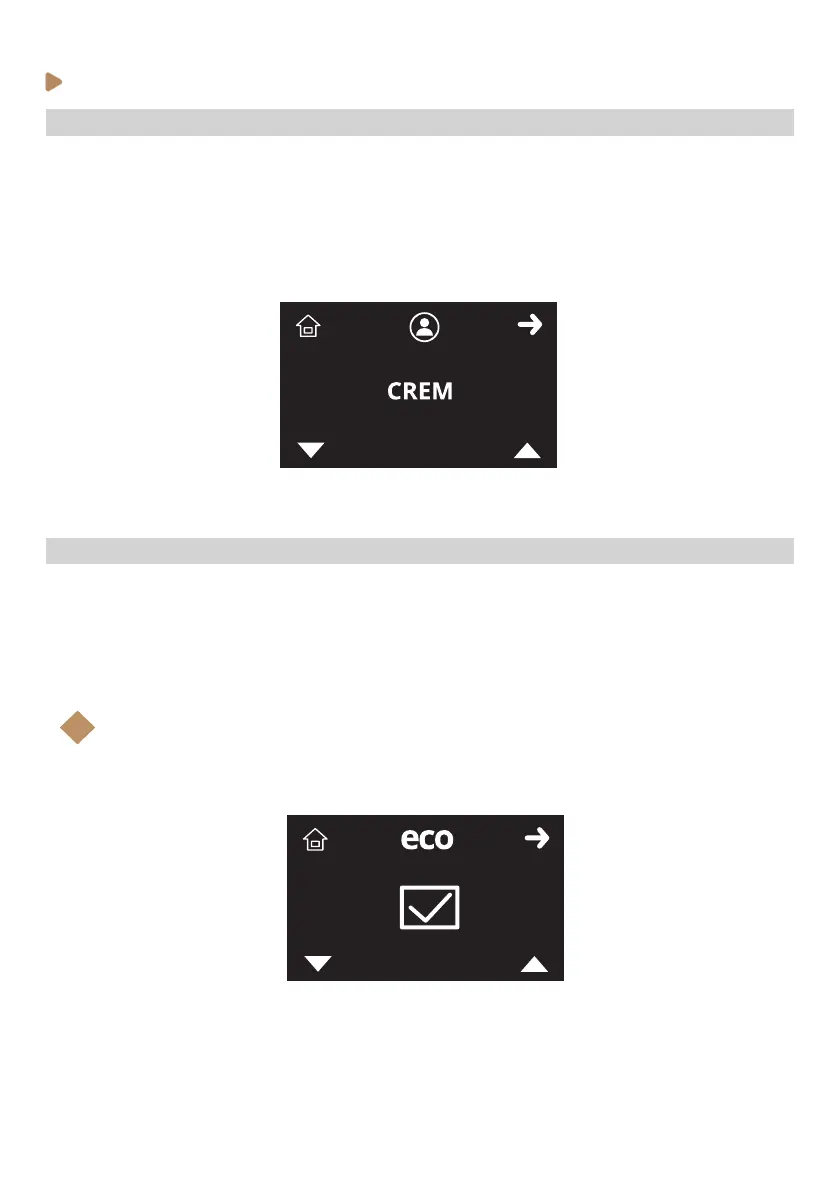
· Programming home screen name
To change the machine’s home screen name, follow the steps below:
1. Enter the service programming and browse through the menu (see previous instructions).
2. When home screen name icon (X) is shown on the display, select with K3 and K4 each single
letter and use K2 to accept and pass to the next one.
3. Press K1 (home icon) to come back to Stand-by mode (OFF)
· Enabling / Disabling ECO mode
To change the machine’s home screen name, follow the steps below:
1. Enter the service programming and browse through the menu (see previous instructions).
2. When ECO mode icon (X) is shown on the display, select with K3 and K4 buttons to scroll
between enabled or disabled. Accept with K2.
3. Press K1 (home icon) to come back to Stand-by mode (OFF)
Note:
If ECO mode is disabled, ECO mode temperatures settings on service menu and ECO
mode timers on Barista menu will be disabled.
i



 To Next Page