ONE
24
SERVICE PROGRAMMING_2B
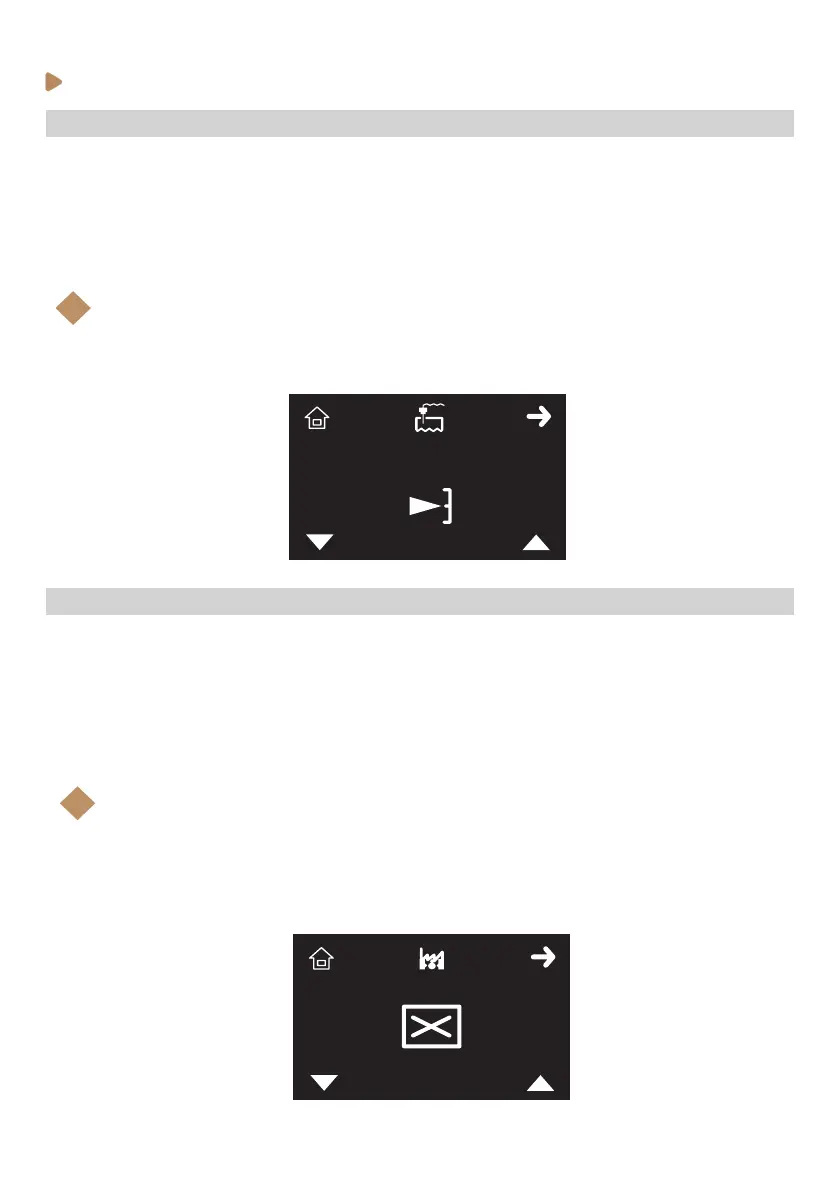
· Programming steam boiler level probe sensitivity
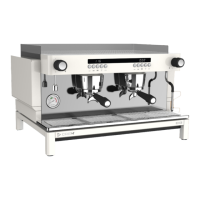
To enable or disable the installation start-up, follow the steps below:
1. Enter the service programming and browse through the menu (see previous instructions).
2. When Installation start up icon (X) is shown on the display, select with K3 and K4 buttons to
scroll between enabled or disabled. Accept with K2.
3. Press K1 (home icon) to come back to Stand-by mode (OFF)
Note:
If this setting is enabled, the installation start-up steps will be required the next time the
machine is powered o and on again at the main switch.
This tool is intended for the event the machine is uninstalled and stored. The installation
steps will ensure that the hydraulic system is full of water before the heating elements are
enabled electronically.
i
· Enabling / Disabling installation start-up program
To change the machine’s steam boiler water level probe sensitivity, follow the steps below:
1. Enter the service programming and browse through the menu (see previous instructions).
2. When level probe sensitivity icon (X) is shown on the display, select with K3 and K4 buttons to
scroll between Min(_), Med (-) and Max (ˉ) . Accept with K2.
3. Press K1 (home icon) to come back to Stand-by mode (OFF)
Note:
By default, the level sensor’s sensitivity is set at “Med”, which should be adequate for
almost all installations. Only in locations where the water quality is exceptionally pure (very
low dissolved salts) should it be set to “Max”.
i



 To Next Page