ONE
23
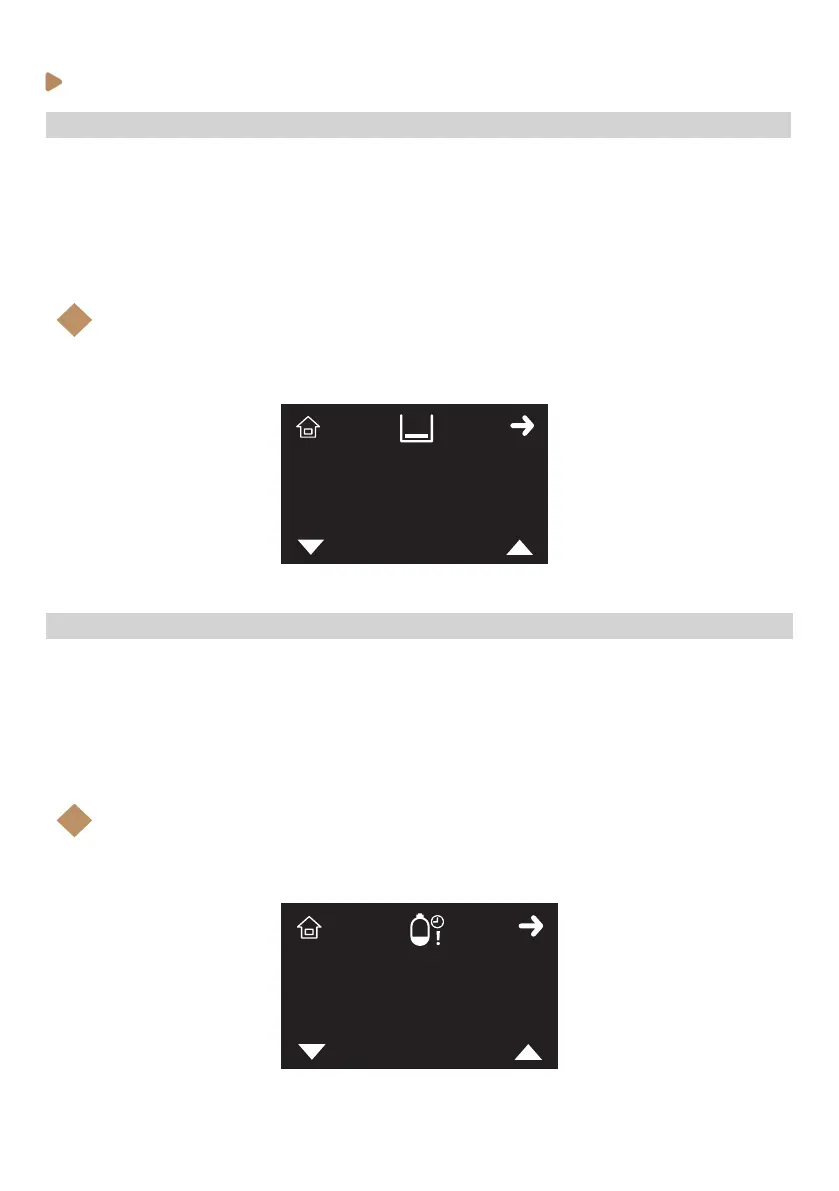
To change the machine’s water tank lling time-out alarm, follow the steps below:
1. Enter the service programming and browse through the menu (see previous instructions).
2. When Water tank lling time-out icon (X) is shown on the display, select with K3 and K4 buttons
to adjust the setting up or down. Accept with K2.
3. Press K1 (home icon) to come back to Stand-by mode (OFF)
Note:
This setting allows the user to nish the current shot when the tank sensor detects that the
levels is lower than the ‘Min’.
i
20’’
SERVICE PROGRAMMING_2B
· Adjusting water tank lling time-out
To change the machine’s water tank lling delay, follow the steps below:
1. Enter the service programming and browse through the menu (see previous instructions).
2. When Water tank lling delay icon (X) is shown on the display, select with K3 and K4 buttons to
adjust the setting up or down. Accept with K2.
3. Press K1 (home icon) to come back to Stand-by mode (OFF)
Note:
This setting allows to rell the tank extra Xs since the tank level sensor detects that the ‘Min’
level has been reached.
i
15’’
· Adjusting water tank lling delay



 To Next Page