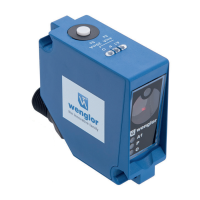
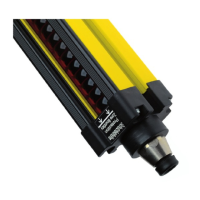
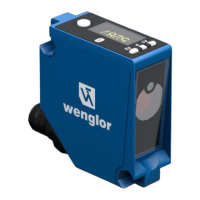
5 ‒ Installation and Electrical Connection | P1PY201 ‒ Laser Distance Sensor ToF 18
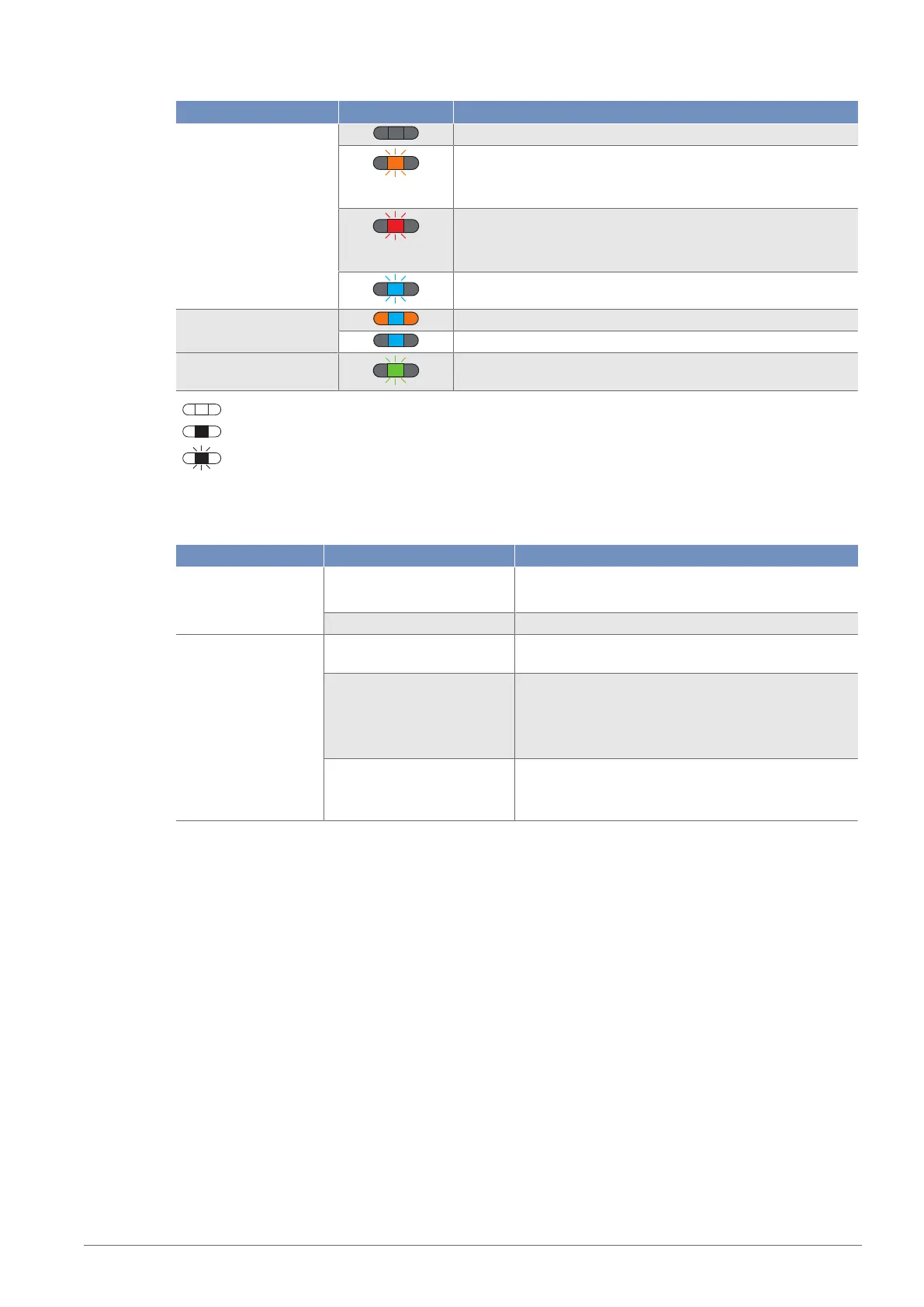
Indicator Status Meaning
P No voltage supply
Warning
LEDs for switching status indicators A1, A2 and analog dis-
play O are still working properly
Error
LEDs for switching status indicators A1, A2 and analog dis-
play O are not working properly
Sensor ready for Bluetooth connection
Switching status indica-
tor A1, A2
Switching outputs active
Switching outputs not active
Localization Localization function active
= Not lit
= Permanently lit
= Flashing
5.4 Troubleshooting
Error Possible cause Elimination
Warning Warning signal • Reduce distance between sensor and object
• Adjust angle of sensor to object
Undervoltage • Increase voltage supply to min. 18VDC
Error Short circuit • Check the electrical wiring and eliminate the
short circuit
Temperature error • Disconnect the sensor from the supply voltage
and allow it to cool
• Mount the mounting bracket as a heat sink
• Reduce load on outputs
Device error • Disconnect the sensor from the supply voltage
and restart it
• Replace the sensor
Via IO-Link, it is possible to identify the respective causes precisely by means of condition monitoring. Fur-
ther diagnosis functions and status messages are also possible. See section Condition Monitoring/Process
Data [}37].


 To Next Page