54
WHILL Model F User Manual
3
4.
Remove the arm rests on both sides.
For the arm rest removal procedure, refer to steps 3 to
6 in “3.3.2. Changing the space between arm rests” on
page 50.
5.
Switch the controller.
For details on how to switch the controller, refer to
“3.2.4. Installing the arm rests” “■Installation pattern
2” (on page 32).
6.
Install the arm rests on both sides.
For details on adjusting the height of the arm rests,
refer to “3.2.5. Adjusting the height of the arm rest” on
page 43.
7.
Connect the cable.
For details on how to connect the cable, refer to “3.2.6.
Connecting the cable” on page 44.
8.
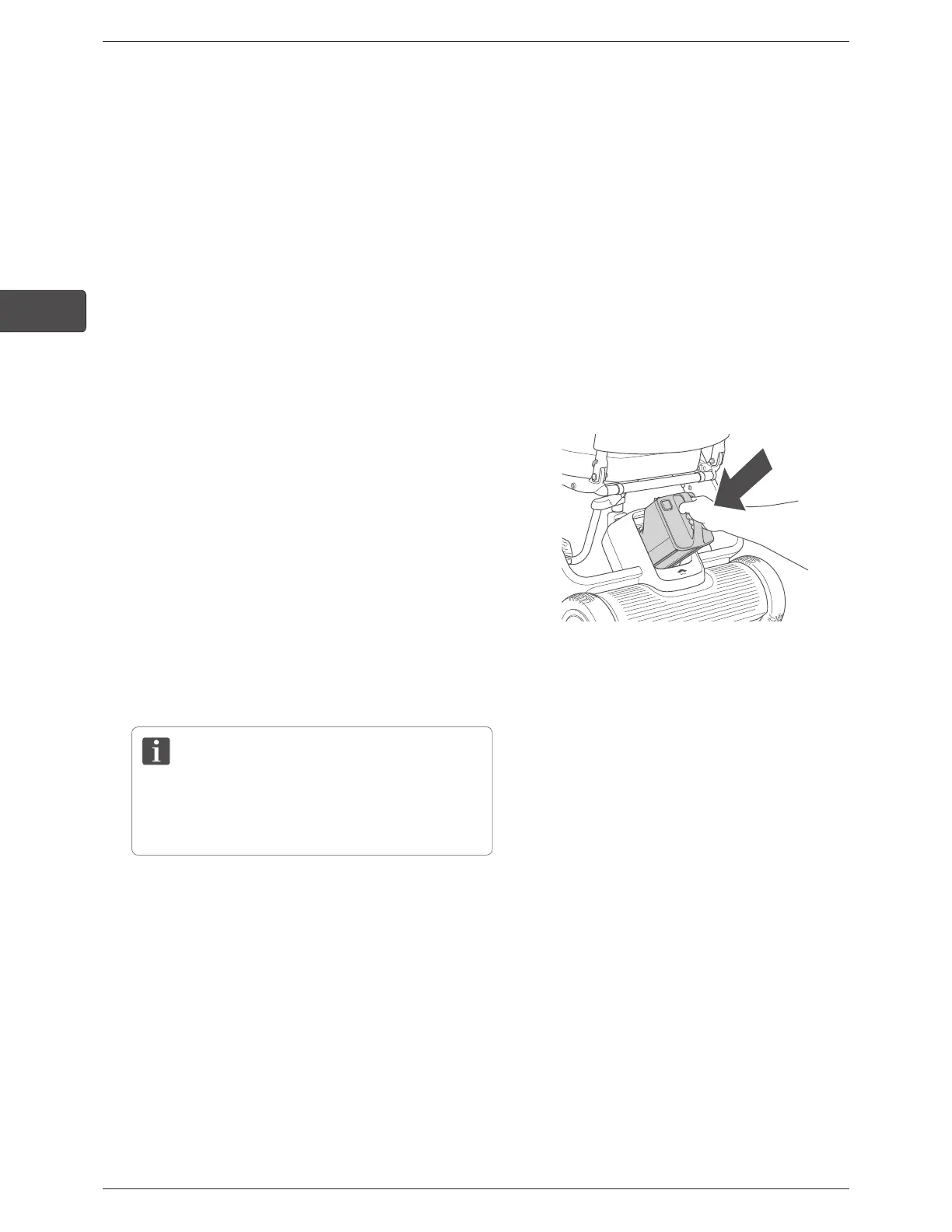
Install the battery.
For the installation procedure, refer to “3.2.8. Installing
the battery” on page 46.
9.
Turn on the power and check that the device moves
forward, backward, left, and right without problems.
If an error appears on the display, check “10.
Troubleshooting” on page 108. If the issue persists,
contact your dealer or customer support.



 To Next Page