53
WHILL Model F User Manual
3
3. Assembly and adjustment
3.3.3. Switching the position of the controller
The controller can be installed on the right or left arm.
This following procedure introduces an example where the position of the controller installed on the arm on the
right side of the device is changed to the left side of the device.
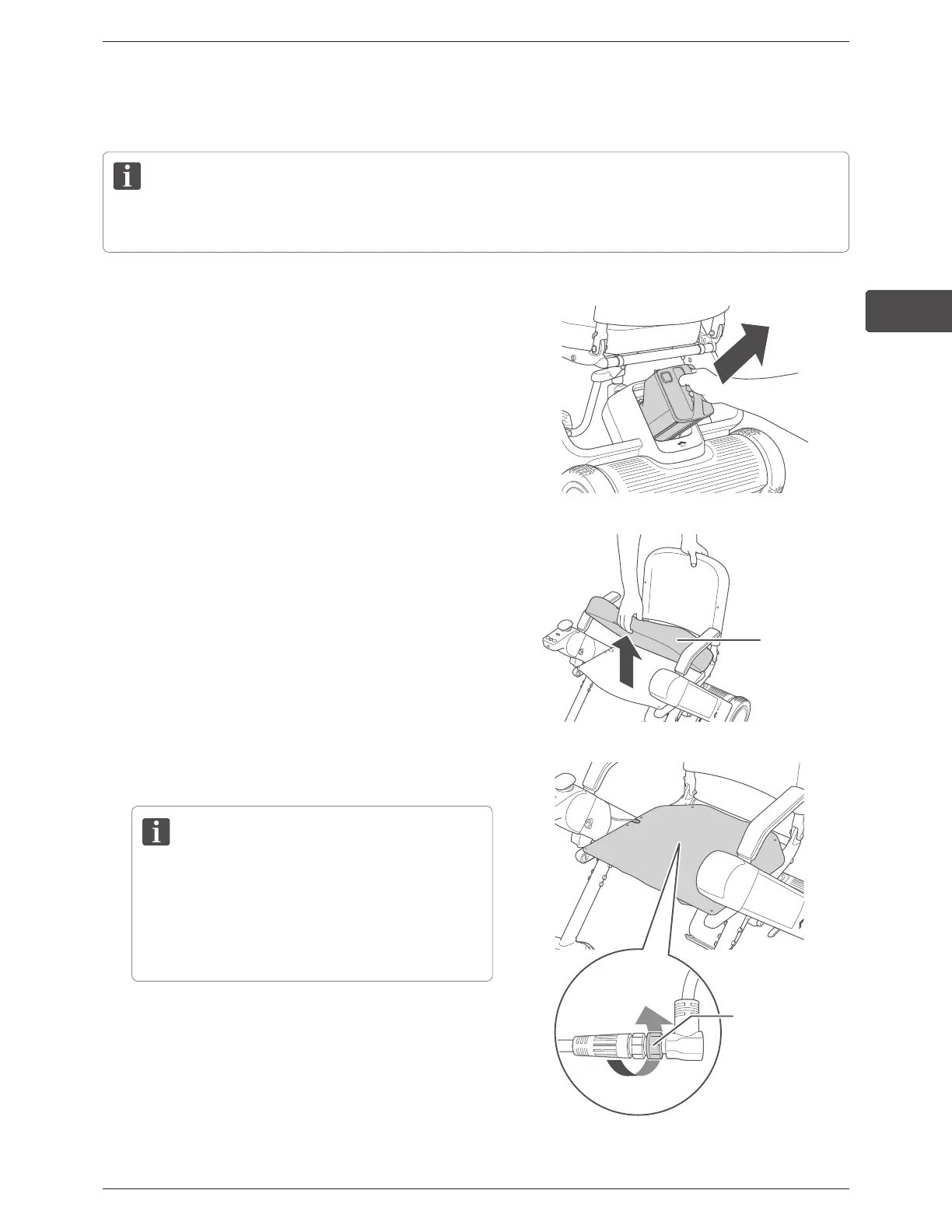
1.
Remove the battery.
For the removal procedure, refer to “4.1.1. Removing
the battery” on page 59.
2.
Remove the seat cushion from the seat.
Seat cushion
3.
Disconnect the cable connector under the seat.
• When disconnecting the connector, hold and rotate
the base lock of the connector. Do not rotate other
parts of the connector.
• When disconnecting the connector, do not pull
forcefully. There is a risk of breaking the cables.
Base lock of the
connector



 To Next Page