15
15
Support02@wimius.com
EN
2.
Focus
Rotate the focus ring slowly. At the same time, check the resolution point carefully. The best focus point for the lens
would be where the image most clear.
Note: If it is still blurry, please contact the seller support e-mail for help!
The E-mail: support02@wimius.com
3.
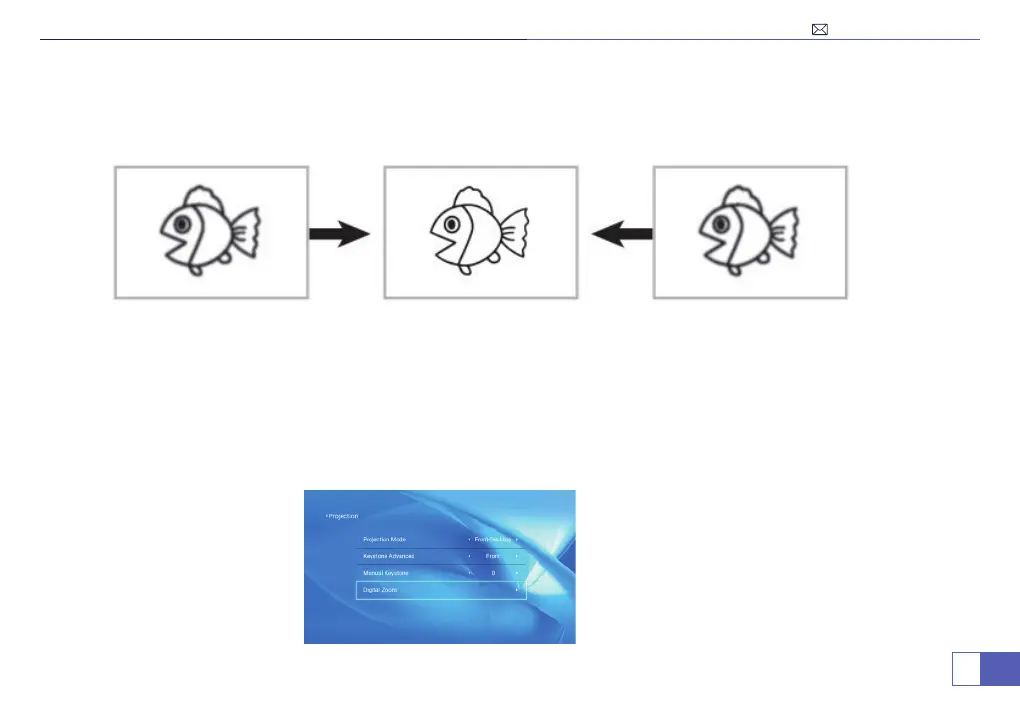
Digital Zoom
Menu>Settings>Projection Image Setting>Digital Zoom.
You can reduce the display size from 100% to 1% propotionally.
Note: Before adjusting the display size, the “Keystone Advanced” shall be selected to "Front" mode.



 To Next Page