Operating instructions
Operation module FB 5210
18
5.4Selecting and customising automatic programmes
If one of the standard programmes describedearlier meet your needs, you can
select and use it "as is" - see "Selecting the standard programme" on page 18.
You can select separate programmes for room heating and domestic hot water
and modify each one independently.
You can modify the selected programme according to your needs, see "Custom-
automatic programmes" on page 19.
Important: When customising a heating programme, always use one of the
standard programmes as a starting point, not one that has already been modified.
The "Adjustment examples" on page 22 provides step-by-step explanation of
how to
customise the standard programmes.
5.4.1Selecting the standard programme
The standard programme for room heating and the standard programme for
domestic hot water must be selected in separate, successive steps.
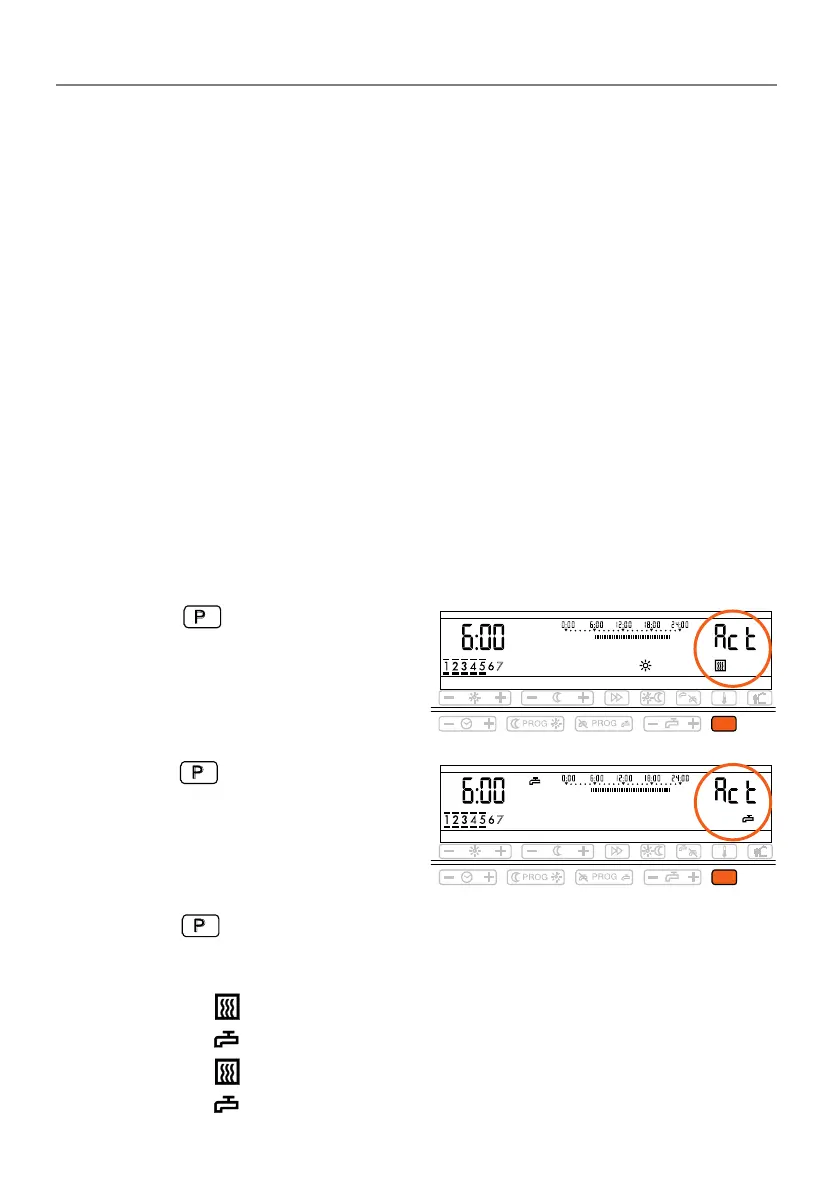
1.Press the key.
•"Act" appears on the right for the
current room heating pro
ramme.
2.Press the key again.
•"Act" for the actual, current
domestic hot water programme.
Programme 1 is the factory setting.
3.Press the key repeatadly until the desired programme number appears.
•
Programmes are displayed in the following sequence
- "P1" and (standard pro
ramme 1 for room heating)
- "P1" and (standard pro
ramme 1 for domestic hot water)
- "P2" and (standard pro
ramme 2 for room heating)
- "P2" and (standard pro
ramme 2 for domestic hot water), etc.
P
P


 To Next Page