Chapter 5: Panel Console Management
EN-100
5.2 Function buttons
The following table describes the LA5572 function buttons:
Button Description
Press to enable/disable Full arm mode.
Press to enable/disable Partial arm mode.
Press to trigger the emergency alarm.
• Press to enter the configuration mode.
• Press again to exit.
Scroll up or Backspace key.
Scroll down key.
Enter key.
Cancel or Back key.
Keypad.
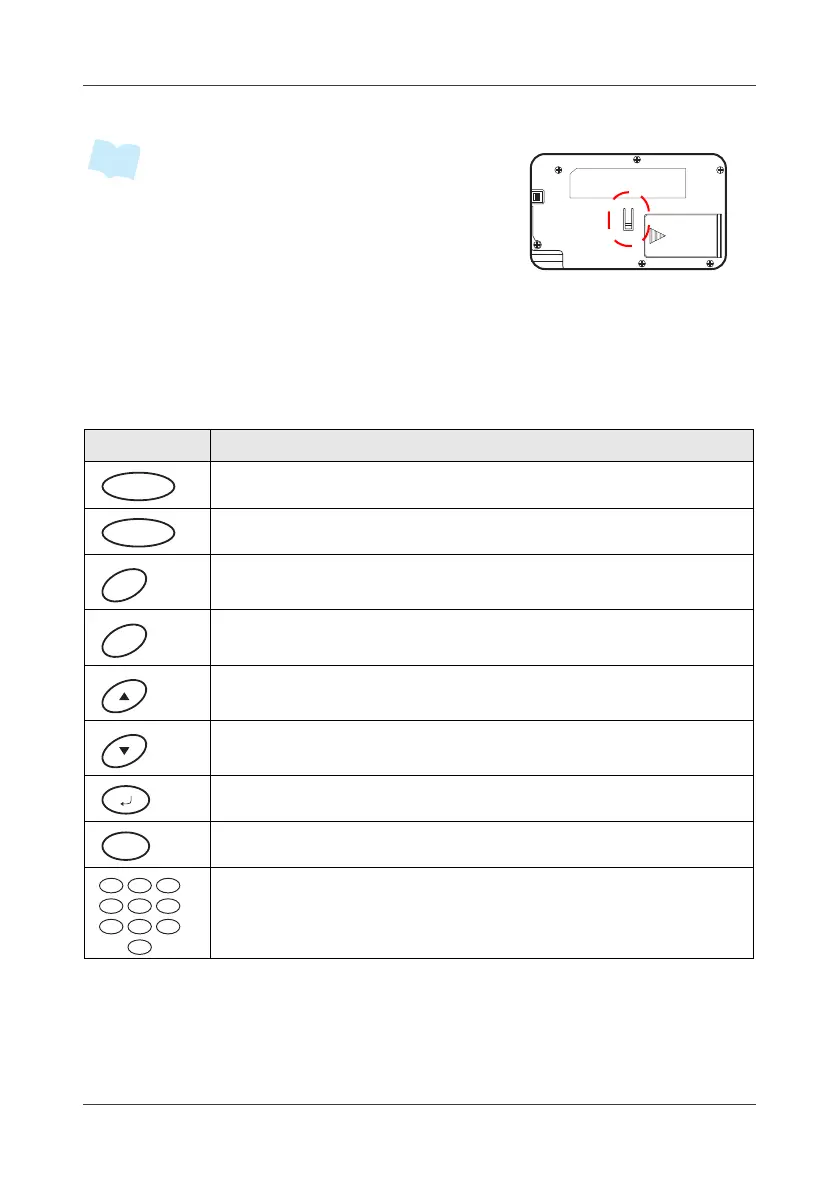
• LA5572 supports both city power and battery
(alkaline AA battery x 2, non-rechargeable, for
2 hours emergency use).
• Once LA5572 is unexpectedly unplugged from
the bracket under system arm mode, the tam-
per-proof detection will trigger the alarm.
2 31
5 64
8 97
0



 To Next Page