Chapter 5: Panel Console Management
EN-99
Chapter 5: Panel Console Management
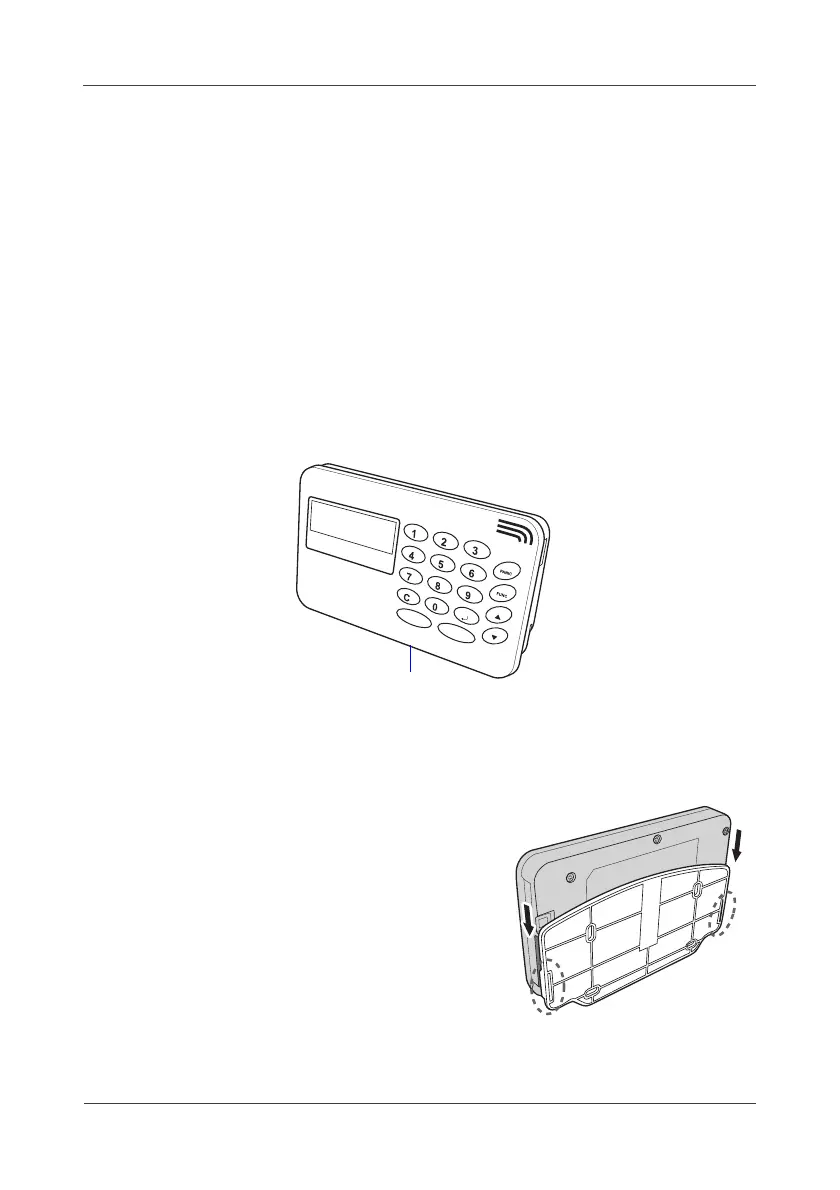
Using wireless panel console (LA5572), you can also operate the system
functions.
5.1 Device Configuration
This section provides a step-by-step guide to configure LA5572 with the
gateway.
1.> Press the
SET
button on the gateway for 2 seconds. The Alarm LED lights
red shortly.
2.> Press the
SET
button on the Panel Console. The “
Connect to
LA5570...
” appears on the screen.
3.> Wait for the date, time, temperature, humidity and system status appear
on the Panel Console, indicating the binding is completed.
If the Console Panel displays “
Connect to LA5570...Fail!
”, repeat the
above steps until the binding is completed.
4.> Mount the Panel Console on the wall.



 To Next Page