Chapter 4: Web Management
EN-68
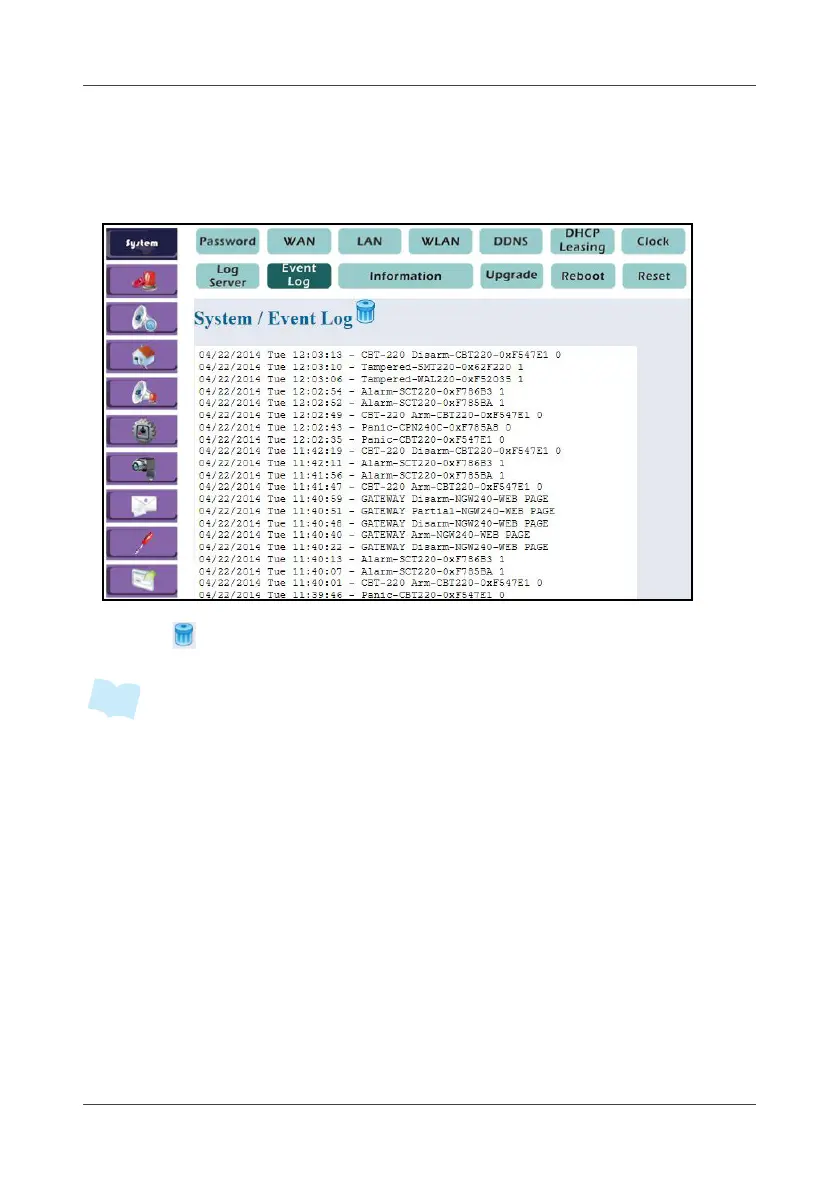
4.1.9 Event Log
This option displays the latest fifty (50) event logs.
1. Select System > Event Log.
2. Click to delete all event logs.
• All logs are automatically saved into the SD card installed on the Gateway. (50
logs per file and more than 1,000 logs could be saved).
• All logs can also be sent via a designated e-mail. For more information, refer to
4.8 Notification on page 96.
• Alarm, Panic, Tampered, Lost connection, Low battery, Over current protection
logs will be sent via APP push notification service. For more information, refer to
3.6 Push Notification Setting (iOS) on page 35 or 3.7 Push Notification Setting
(Android) on page 36.



 To Next Page