Chapter 4: Web Management
EN-73
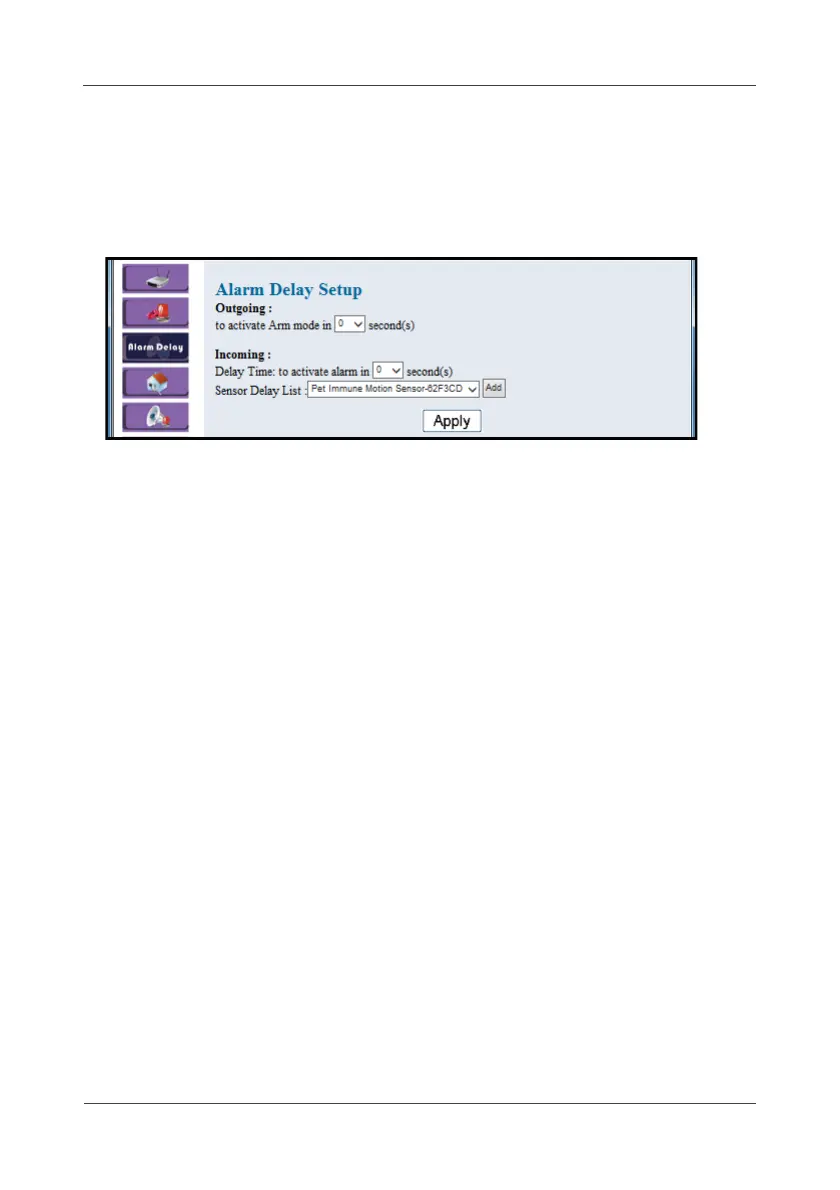
4.3 Alarm Delay
This option allows you to configure the outgoing/incoming alarm delay time
once the sensor triggered.
1. Select Arm Delay.
2. Set the delay time to activate the alarm mode.
3. Select the desired sensor on Sensor Delay List.
(This option is only applicable for Contact sensor or Pet Immune Motion
sensor.)
4. Click Apply.



 To Next Page