Chapter 6: Appendix
EN-112
6.2 Troubleshooting
This section contains a common troubleshooting tips that you may meet
while using WHTS system. If you need additional helps, please contact our
partner.
Problem Solutions
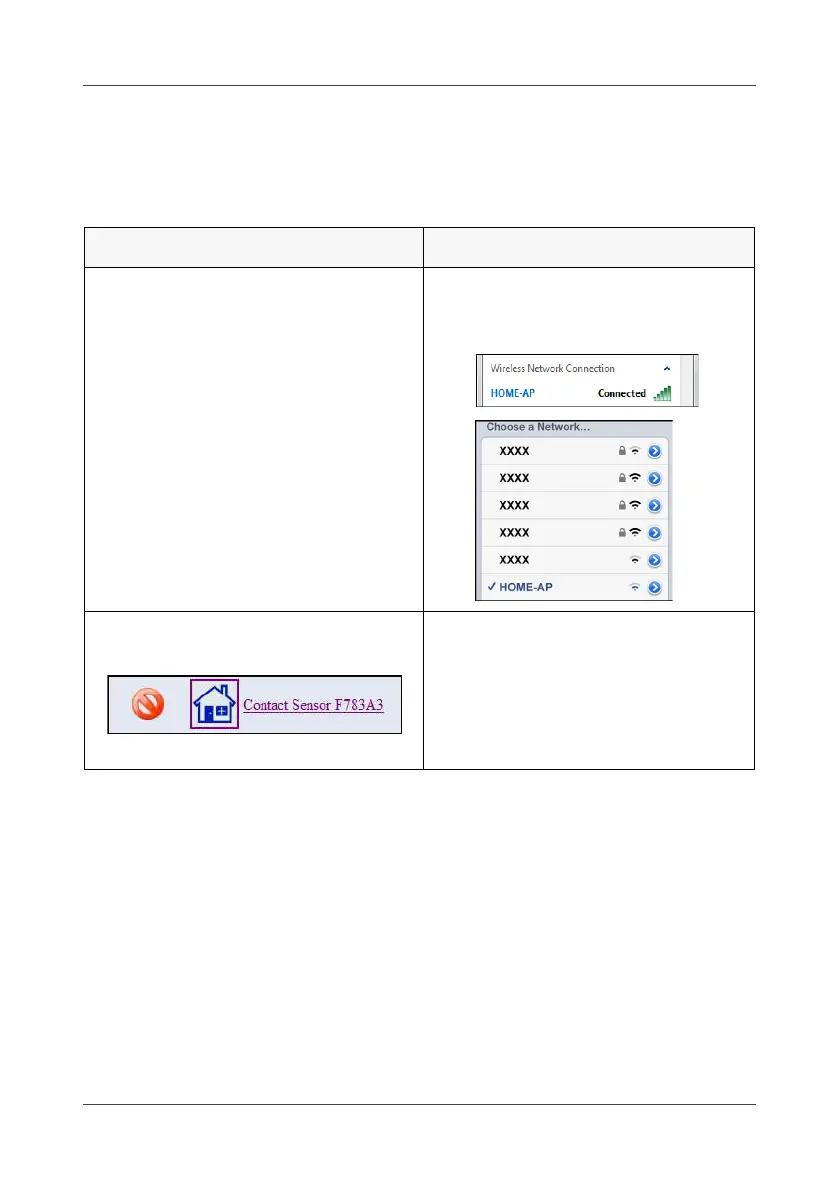
Cannot access the WHTS web
console or APP.
Check if the AP (SSID) is correct
and it is properly connected to the
Gateway.
The device is disabled while partial
arming.
Make sure this device is not in the
selectable security zone.
Note:
When the Contact Sensor is not
assigned in the security zone, it
will not arm when partial arming.



 To Next Page