Chapter 3: APP Management
EN-40
3.15 Rename
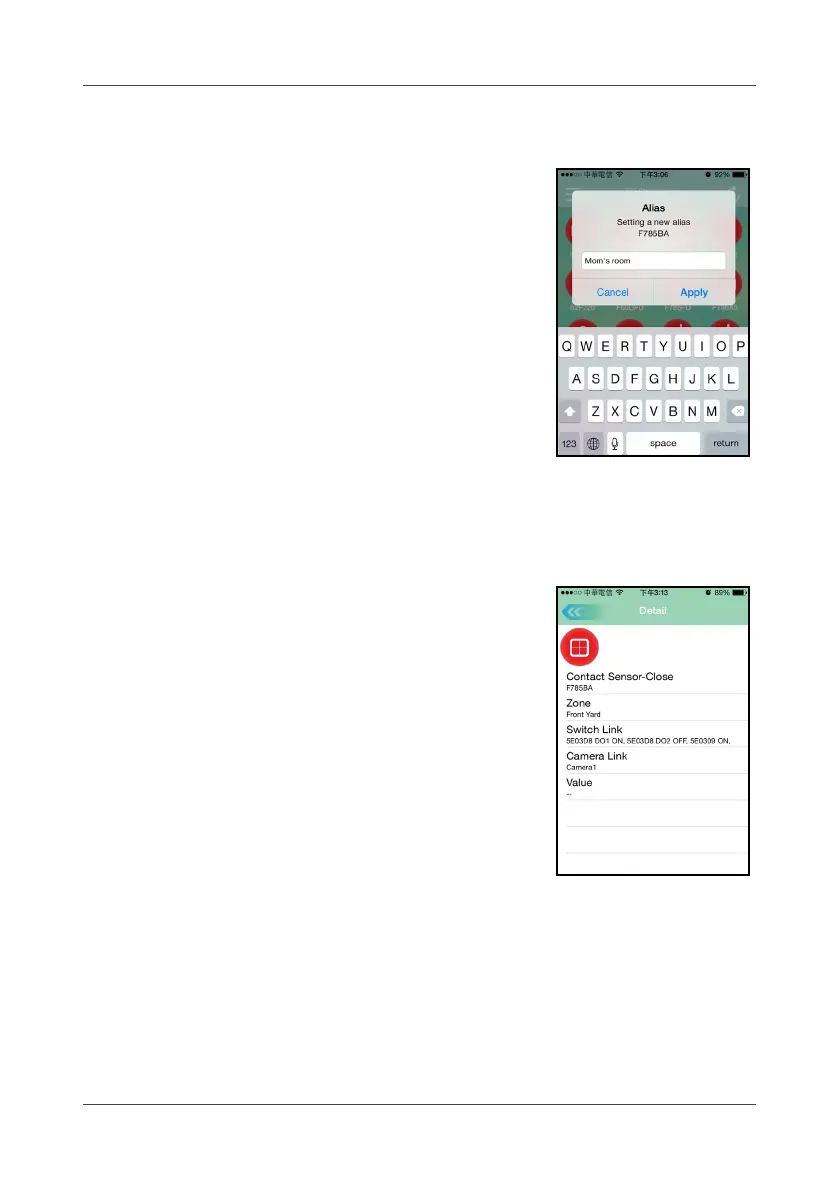
Touch and hold the desired device icon and the
rename dialog box appears on the screen. Enter the
new name using the on-screen keyboard. You may
also customize the name in any language (i.e.
Chinese) supported by your smart handheld device.
3.16 Device Information
Select and touch the device icon once, the screen
will display the device information, which includes
device type, device ID/name, zone, switch link,
camera link, and its current value.



 To Next Page