Chapter 4: Web Management
EN-56
Chapter 4: Web Management
4.1 System
After completed the initial Gateway configuration (see 2.1 Gateway
Configuration on page 8), you can now connect to the Gateway via HTTP
web browser.
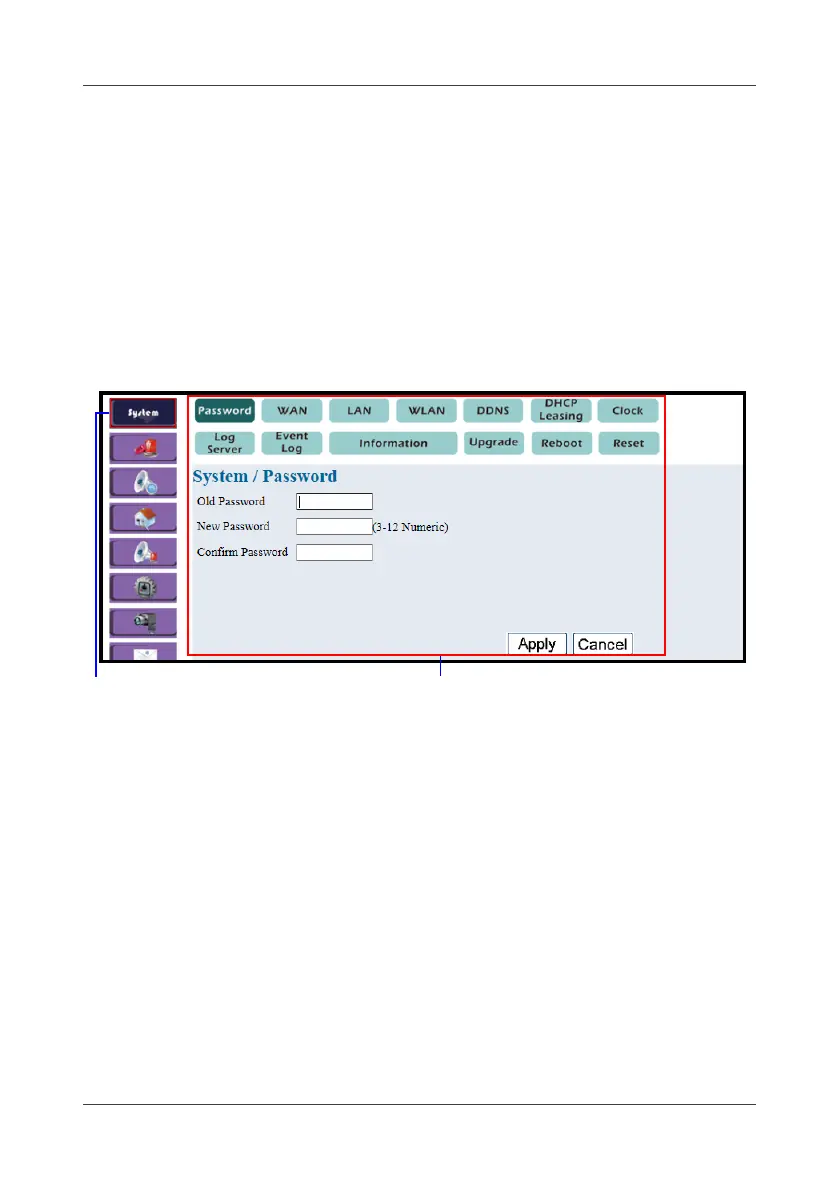
In the home page of the WHTS, the left navigation bar shows the menu
options to configure the system.
4.1.1 Password
This option allows you to change the login password.
1. Select System > Password.
2. Enter password in the Old Password field.
The default password is “123”.
3. Enter the new password in the New Password and Confirm Password
fields.
4. Click Apply.
System setting/status
Menu option



 To Next Page